Grok Imagine Video 1.5 AI Video Generator
Grok Imagine Video 1.5 Image-to-Video generates short videos from a reference image and a natural-language prompt, while Grok Imagine V2 offers the main AI video and image generation workflow. It is designed for image-driven motion generation, cinematic concept clips, stylized social media content, and other prompt-based video creation workflows.
Creation
Loading demo...
AI Video Generation Demo
Image-to-video with 480p or 720p preview output and native audio support.
What Is Grok Imagine Video 1.5?
Grok Imagine Video 1.5 Preview is xAI's image-to-video generation model for turning still images into short AI videos. Instead of starting from a blank text prompt, you begin with a visual reference: a photo, product shot, concept frame, character image, environment design, or brand asset. The prompt then tells the model how that image should move.
This makes 1.5 especially useful for creators who already have a look they like and want to explore motion quickly. You can take a polished image and test camera movement, atmosphere, subject gestures, lighting changes, or subtle environmental motion without building a full video pipeline from scratch.
The model supports 480p and 720p generation options, which gives the workflow a practical preview focus. Use 480p for fast drafts and ideation. Use 720p when you want a cleaner clip for social previews, pitch decks, landing page tests, creative review, or a short visual proof of concept.
Compared with many AI video tools, the key advantage of an image-to-video workflow is first-frame control. Your source image carries the subject, composition, color palette, style, and brand direction. The prompt adds movement on top of that foundation, which helps keep the result closer to your original creative intent.
Grok Imagine Video 1.5 is not positioned here as a replacement for a full video editor. It is better understood as a fast generation step: create motion ideas, test variations, collect usable clips, and decide which direction deserves more editing, upscaling, or production polish.
Grok Imagine Video 1.5 Core Features
Image-to-Video Animation
Upload a still image and use a prompt to guide how it moves. Grok Imagine Video 1.5 is useful when you already have a strong visual starting point, such as a portrait, product shot, illustration, game concept, fashion frame, or cinematic still, and want to turn it into a short moving clip.
480p & 720p Output
Choose between lightweight 480p drafts and sharper 720p previews. This keeps the workflow practical for testing ideas quickly, comparing prompt directions, and creating short clips for social posts, decks, ads, mood boards, and client previews.
Native Audio Support
Generate videos with sound in the same workflow instead of manually pairing every clip with separate audio. Keep audio expectations practical: use it for atmosphere, mood, and sound-supported previews rather than assuming advanced dialogue control or lip-sync behavior.
Flexible Creative Settings
Control duration, resolution, and prompt direction so the clip fits the job. A short product reveal, a subtle portrait animation, a vertical social draft, and a wide cinematic frame need different pacing, and the 1.5 workflow gives creators room to test those choices.
Built for Fast Iteration
Use 1.5 as a fast creative loop. Generate a first pass, review the motion, change the prompt, then try another version with clearer camera movement, softer lighting, slower action, stronger atmosphere, or a more specific subject gesture.
Prompt-Guided Motion
The image anchors the look while the prompt tells the model what should happen. Describe movement, camera behavior, mood, light, and timing in plain language: a slow push-in, drifting smoke, turning head, falling rain, handheld movement, or a clean product rotation.
First-Frame Control
Starting from an image gives you more visual control than a blank prompt. You can preserve the subject, composition, color palette, and style of your source image, then use motion instructions to create a video that still feels connected to the original frame.
Grok Imagine Video 1.5 vs 1.0 vs 2.0
See where Grok Imagine Video 1.5 fits in the product line: more focused than the early 1.0 workflow, faster for image animation, and lighter than the higher-end 2.0 generation page.
| Capability | Grok Imagine 1.0 | Grok Imagine Video 1.5 Preview | Grok Imagine 2.0 |
|---|---|---|---|
| Input | Text / Image | Still image + prompt | Text / Image / References |
| Output | Short video | Short video | Advanced video |
| Resolution | 720p | 480p / 720p | 4K-focused workflow |
| Audio | Synced audio | Videos with audio | Advanced audio workflow |
| Workflow | Early creative generation | Fast image-to-video preview | Higher-end cinematic creation |
| Best For | Early Grok video creation | Animating photos, product frames, concept art, and social clips | Longer-form concepts, richer scenes, and more polished video output |
How to Use
Grok Imagine Video 1.5
Upload a still image, choose your duration and resolution, then generate and refine your clip with prompt-guided motion.
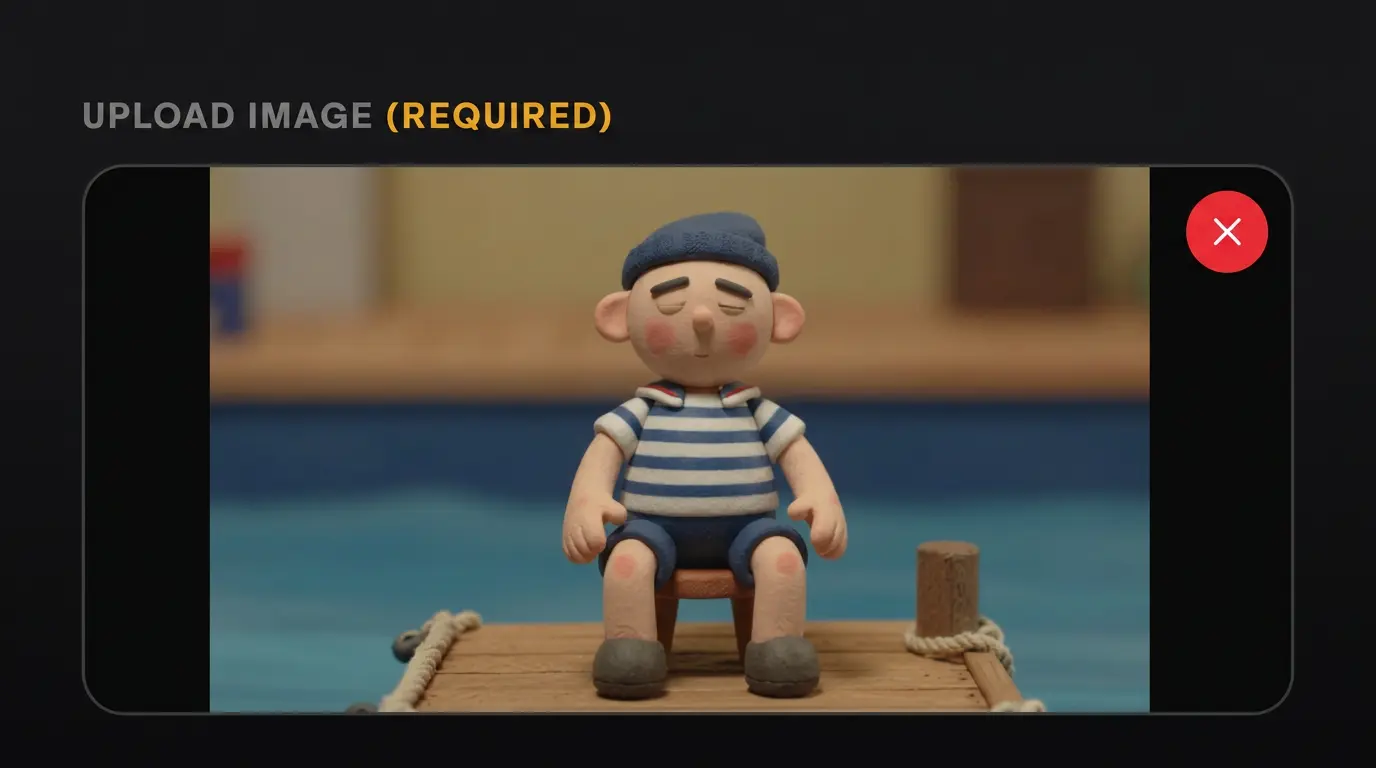
Upload a Still Image
Upload a reference image as the first frame, then write a prompt to describe motion, camera, lighting, and mood.
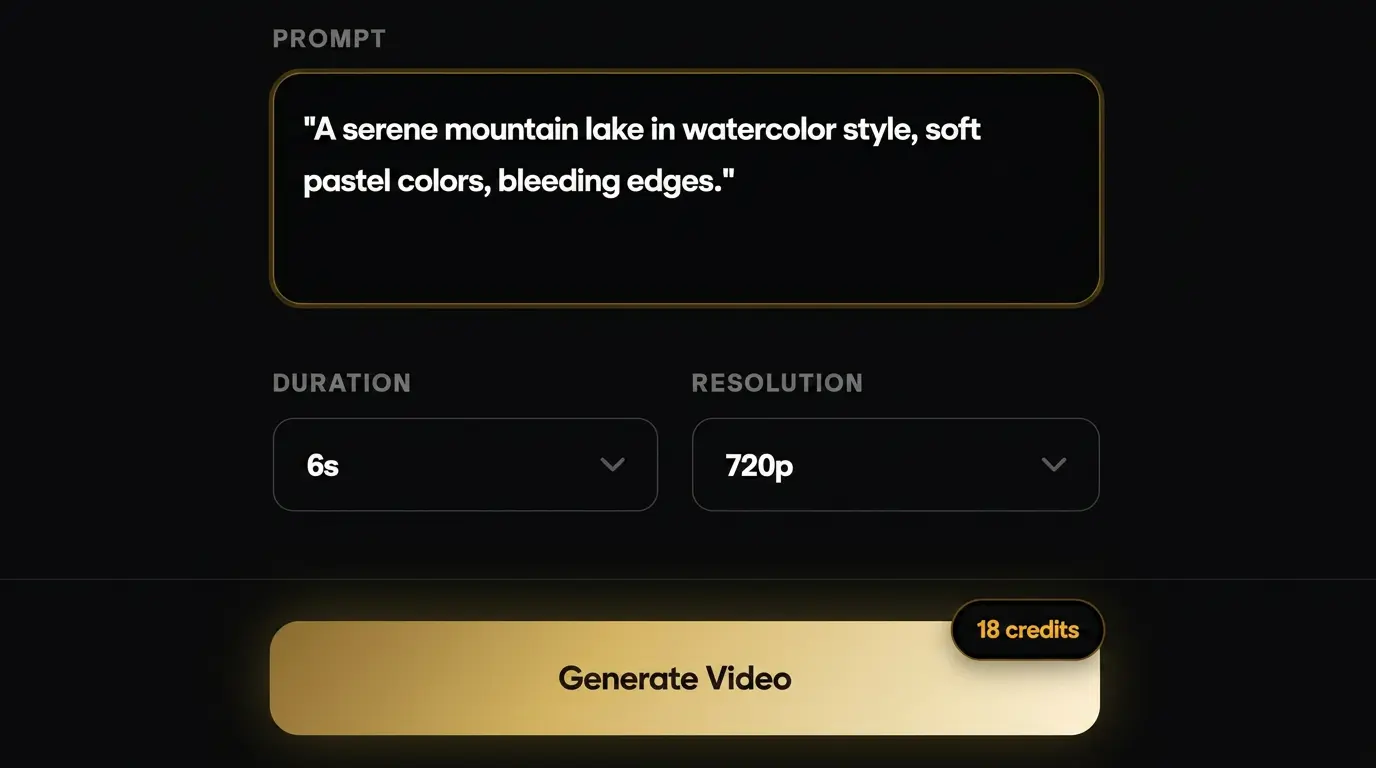
Choose Your Video Settings
Select duration and resolution (480p or 720p) that fit your use case, from quick drafts to sharper preview clips.
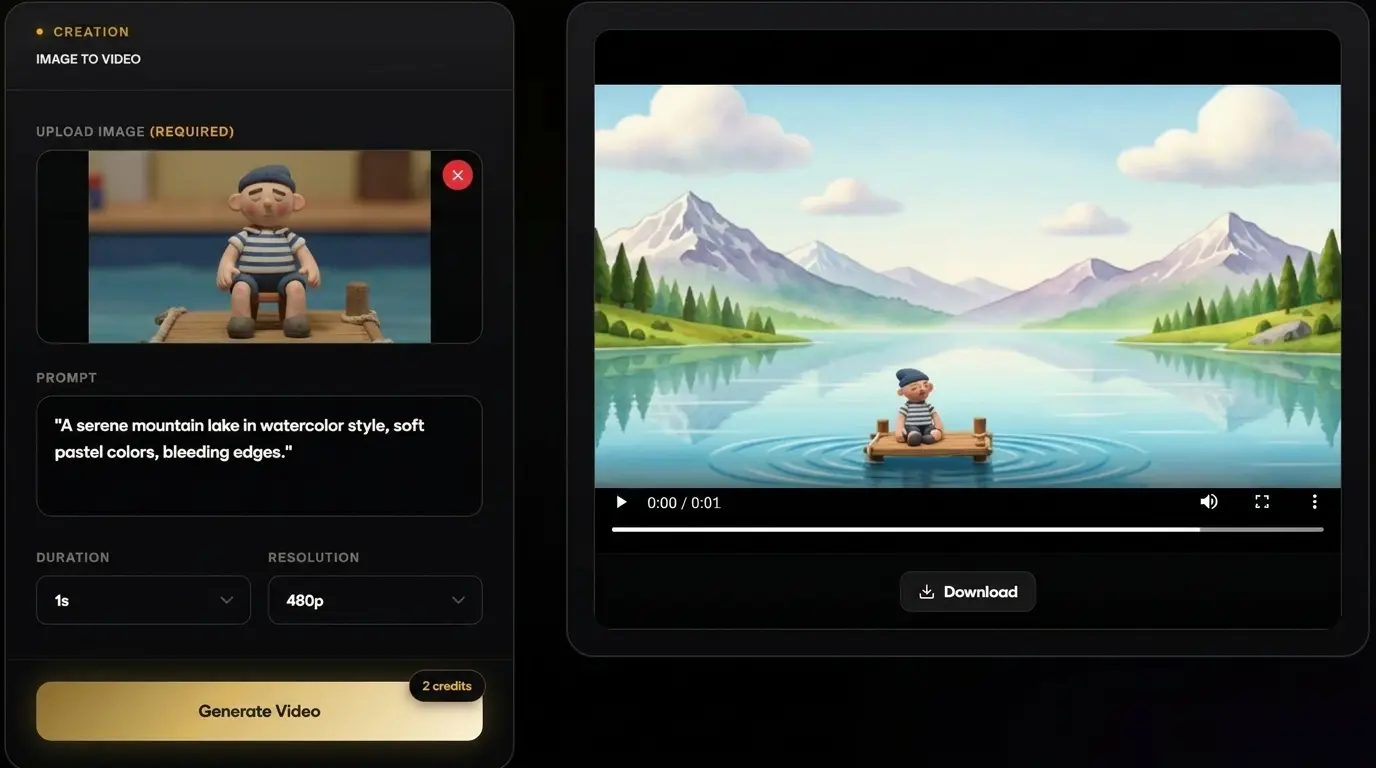
Generate, Review, and Refine
Create your video, preview the result, then adjust the prompt for better motion, camera direction, lighting, or sound.
What Grok Imagine Video 1.5
Can Create
Sample clips from Grok Imagine Video 1.5 Preview workflows: image animation, prompt-guided motion, quick 480p or 720p drafts, and short creative tests built from a single starting frame.
Use the gallery as motion inspiration. Try portraits with subtle expressions, product frames with clean camera moves, cinematic stills with atmosphere, and concept art with environmental movement.
Grok Imagine Video 1.5 Pricing Plans
Choose a one-time credit pack based on your creative workload, from quick experiments to high-volume production. If you are new here, start from the Grok Imagine Video 1.5 homepage to review product capabilities before selecting a plan.
Starter
What's included
- 100 Credits, valid forever
- Create HD text-to-video or image-to-video clips with natural native audio
- 720p export, no watermark download
- Commercial use license
- Standard queue speed
- Email support
Basic
What's included
- 350 credits included
- Faster HD generation for daily content
- Text to Video & Image to Video with native audio
- 1080p export, no watermark download
- Commercial use license
- Priority queue speed
- Priority support (email)
Plus
What's included
- 600 credits included
- Scale creative runs with better stability and look
- Text to Video & Image to Video with native audio
- 1080p export, no watermark download
- Commercial use license
- Faster priority queue + up to 5 concurrent jobs
- Priority support
Professional
What's included
- 1250 credits included
- Best value package
- High-volume, professional delivery and teams
- Text to Video & Image to Video with native audio
- 1080p export, no watermark download
- Commercial use license
- Fastest queue + up to 10 concurrent jobs
- Full effects pack + early access to new features
- 24/7 priority support
- Bulk processing
- API access (coming soon)
Grok Imagine Video 1.5 FAQ
Create Your First Grok Imagine Video
Upload an image, describe the motion you want, and generate a short AI video with prompt-guided movement, sound-supported output, and flexible 480p or 720p settings.