Grok Imagine AI Image Generator:Photorealistic Images Powered by Aurora
Create stunning photorealistic images from a single sentence. Edit, restyle, and animate — all powered by Aurora, xAI's proprietary AI image model with industry-leading instruction-following accuracy.
Creation

AI Image Generation Demo
Aurora-powered photorealistic images from text, plus image-to-image editing — same pipeline as Grokimagine 1.0, tuned for stills.
What Is the
Grok Imagine AI Image Generator?
The Grok Imagine AI Image Generator is xAI's dedicated image creation tool, powered by Aurora — a multimodal AI built specifically for creative visual tasks.
Unlike the image generation inside the standard Grok chatbot (which uses Flux by Black Forest Labs), Grok Imagine uses Aurora — xAI's own model — purpose-built for quality, precision, and creative control. It supports text-to-image, image editing, style transfer, and image-to-video animation in a single platform.
What Can Grokimagine 2.0's AI
Image Generator Do?
Text-to-Image
Type a detailed prompt and Aurora generates a photorealistic image at high resolution. The model excels at complex scenes, accurate lighting, and intricate details — results delivered in seconds.
Image-to-Image Editing
Upload an existing image and modify it with natural language. Change backgrounds, add or remove objects, adjust lighting, restyle entire scenes — all from a simple text description.
Style Transfer
Apply any artistic style to your images. Transform a photograph into a watercolor painting, a cyberpunk illustration, or a Studio Ghibli-inspired scene — instantly.
Image-to-Video Animation
Take any generated image and animate it into a video clip using Grokimagine 2.0. The system preserves the original composition while adding natural, cinematic motion.
Try Grokimagine 2.0Image Generation
Examples
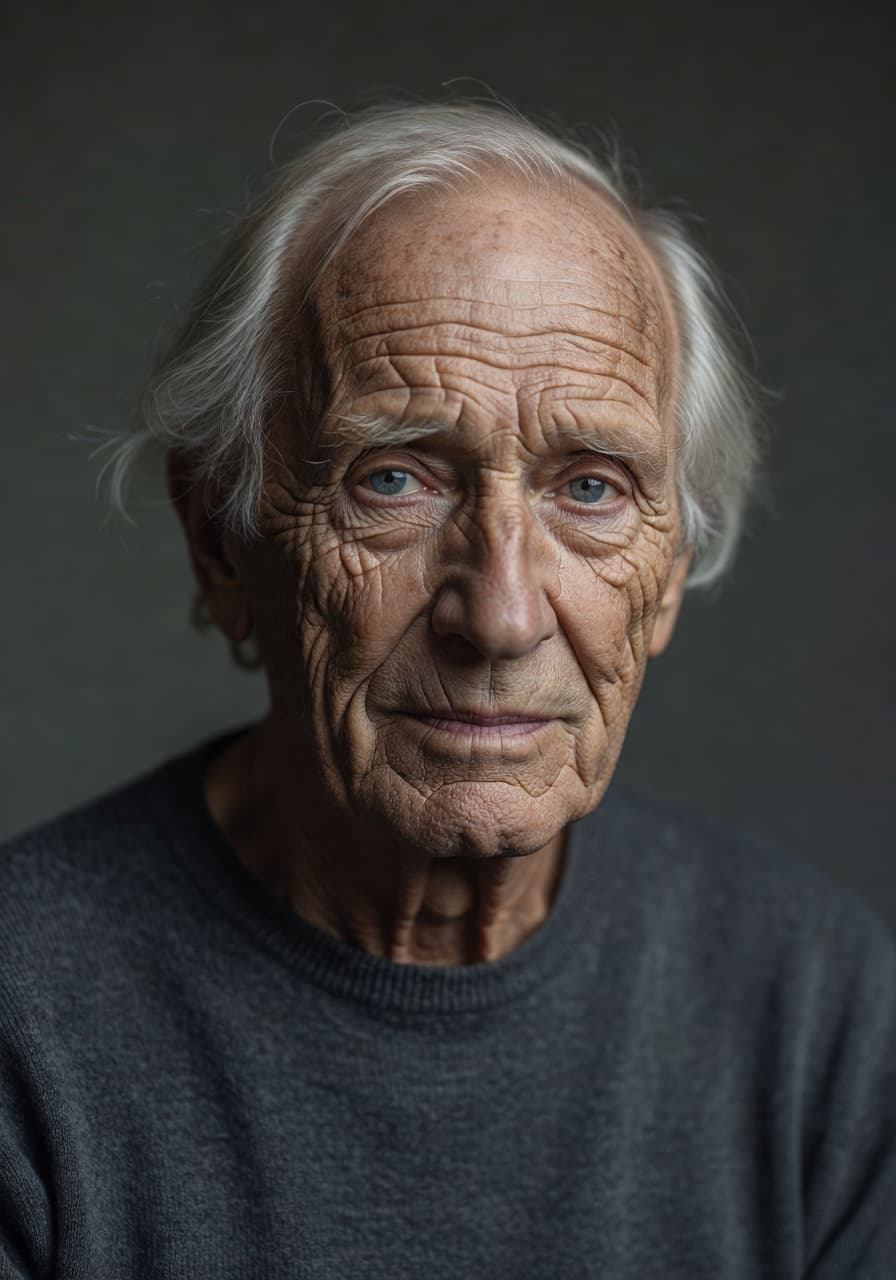
Photorealistic Portrait
"A hyper-realistic portrait of an elderly man with deep wrinkles, soft studio lighting, 85mm lens."
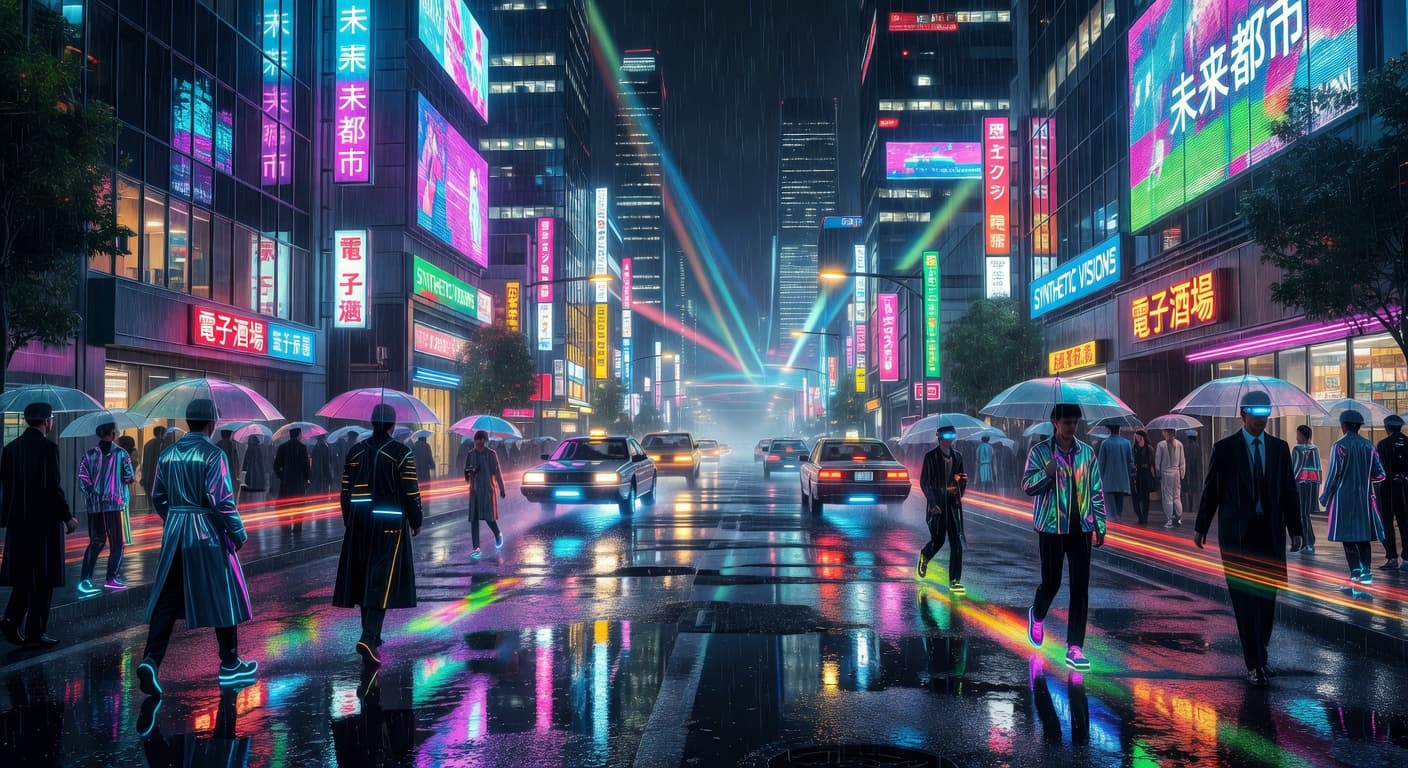
Cyberpunk Cityscape
"Neon-drenched futuristic Tokyo street, rainy night, cinematic reflections, 4k resolution."
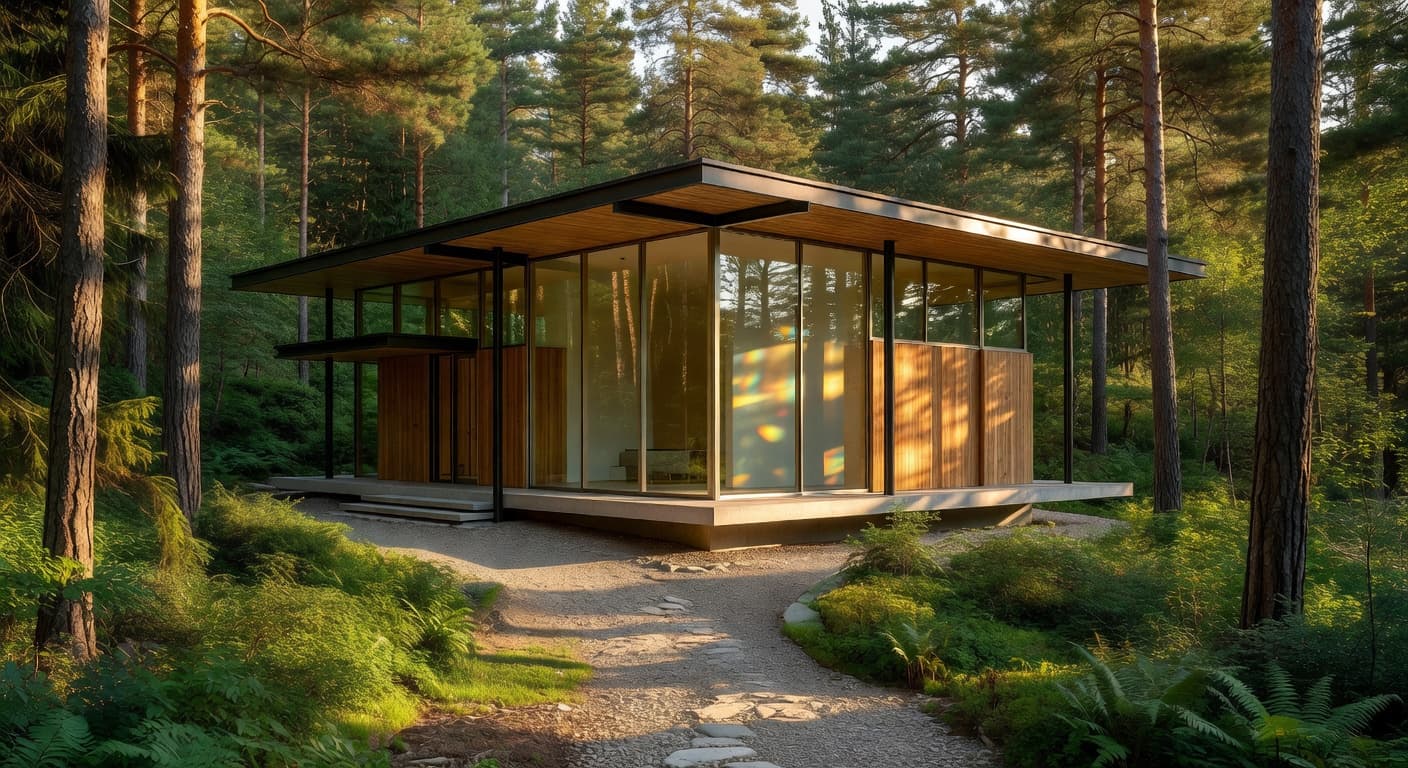
Architectural Marvel
"Modernist glass villa in a lush pine forest, golden hour lighting, architectural photography."
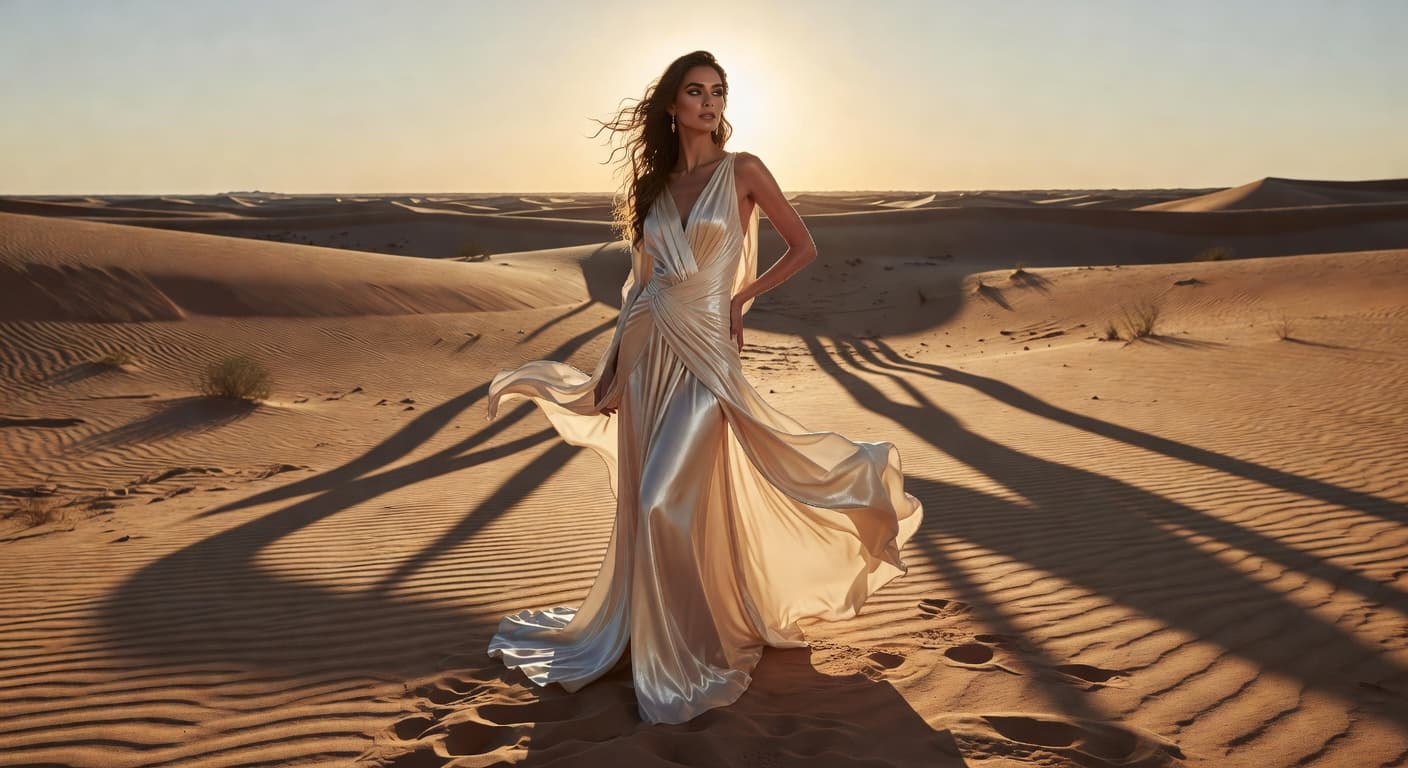
Editorial Fashion
"High-fashion model in a desert, flowing silk dress, dramatic shadows, Vogue style."
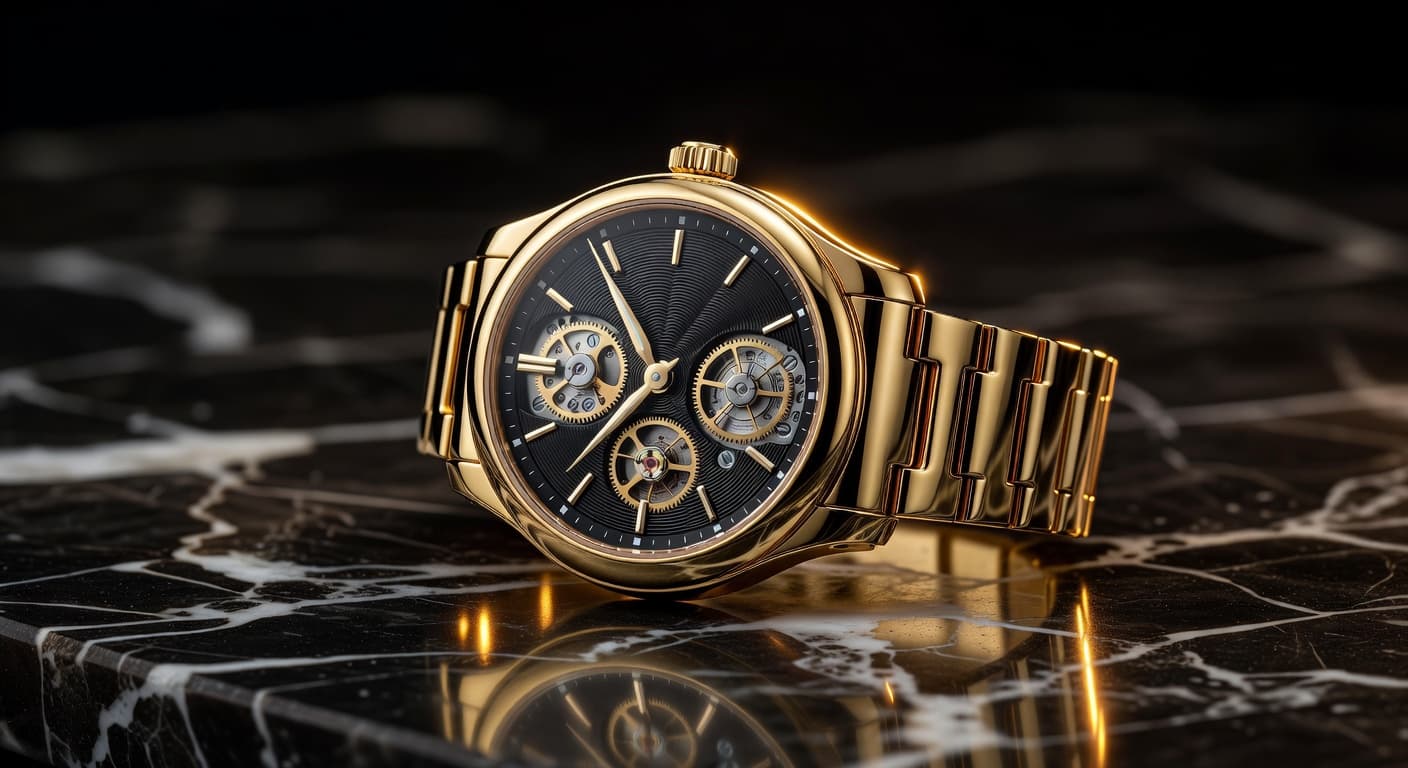
Product Shot
"Luxury watch on a dark marble surface, dramatic rim lighting, macro photography."
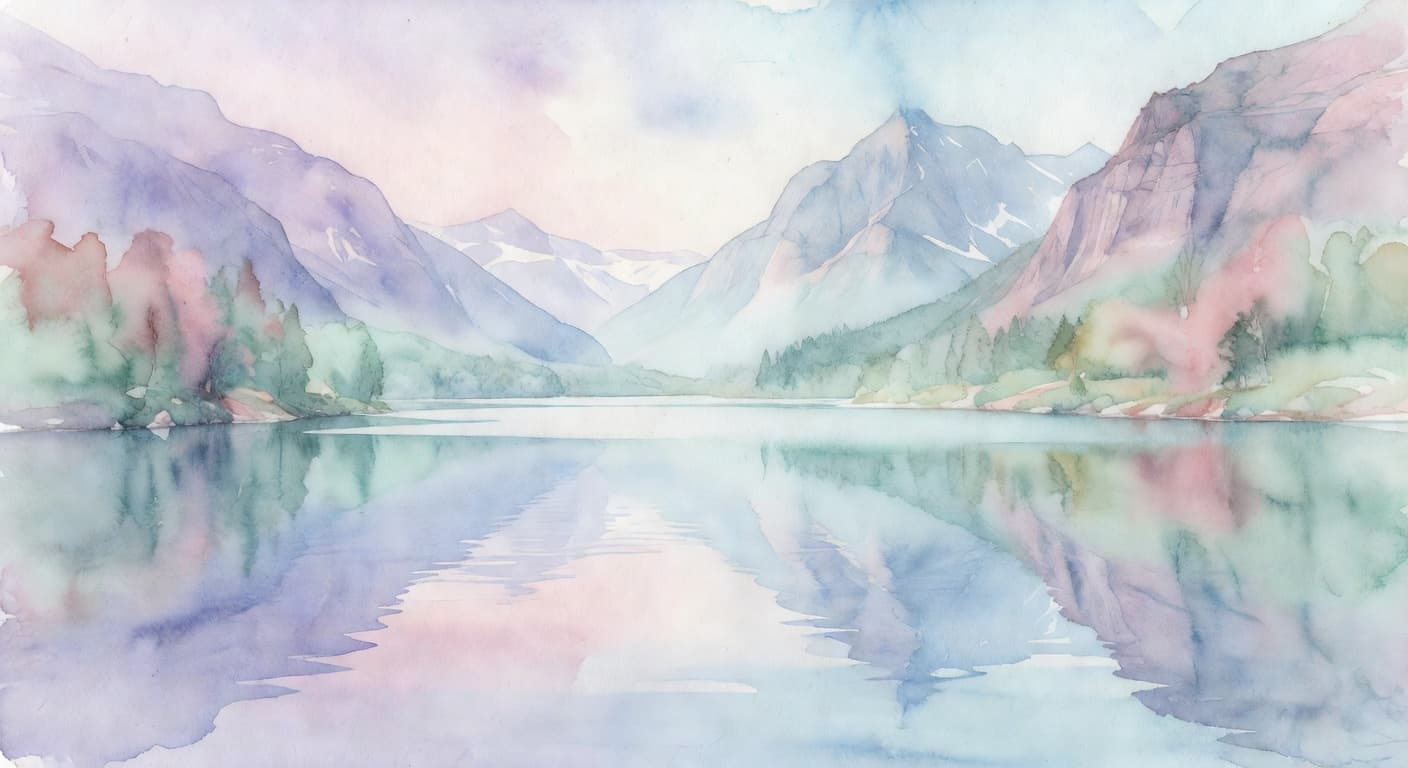
Artistic Watercolor
"A serene mountain lake in watercolor style, soft pastel colors, bleeding edges."
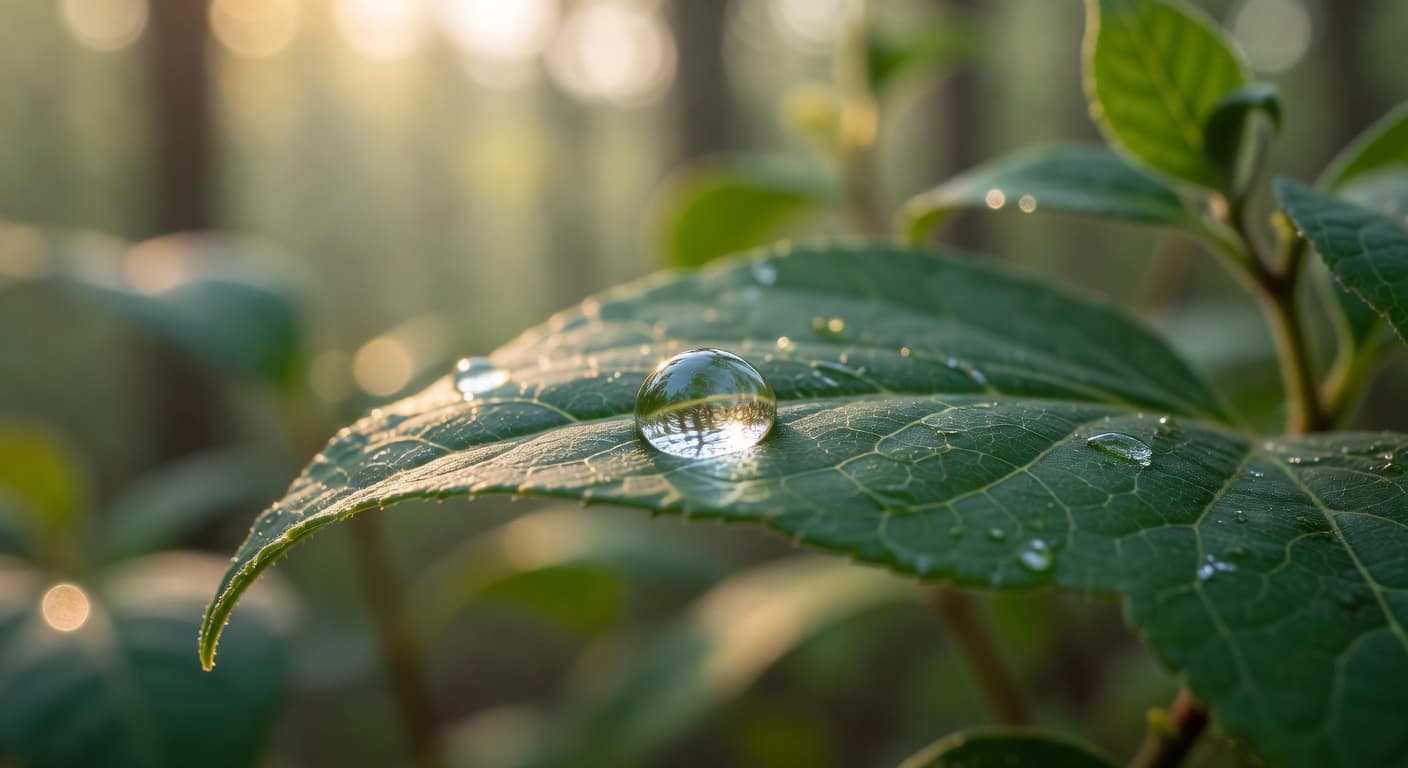
Macro Nature
"Close up of a dewdrop on a leaf, morning sun, bokeh background, sharp details."
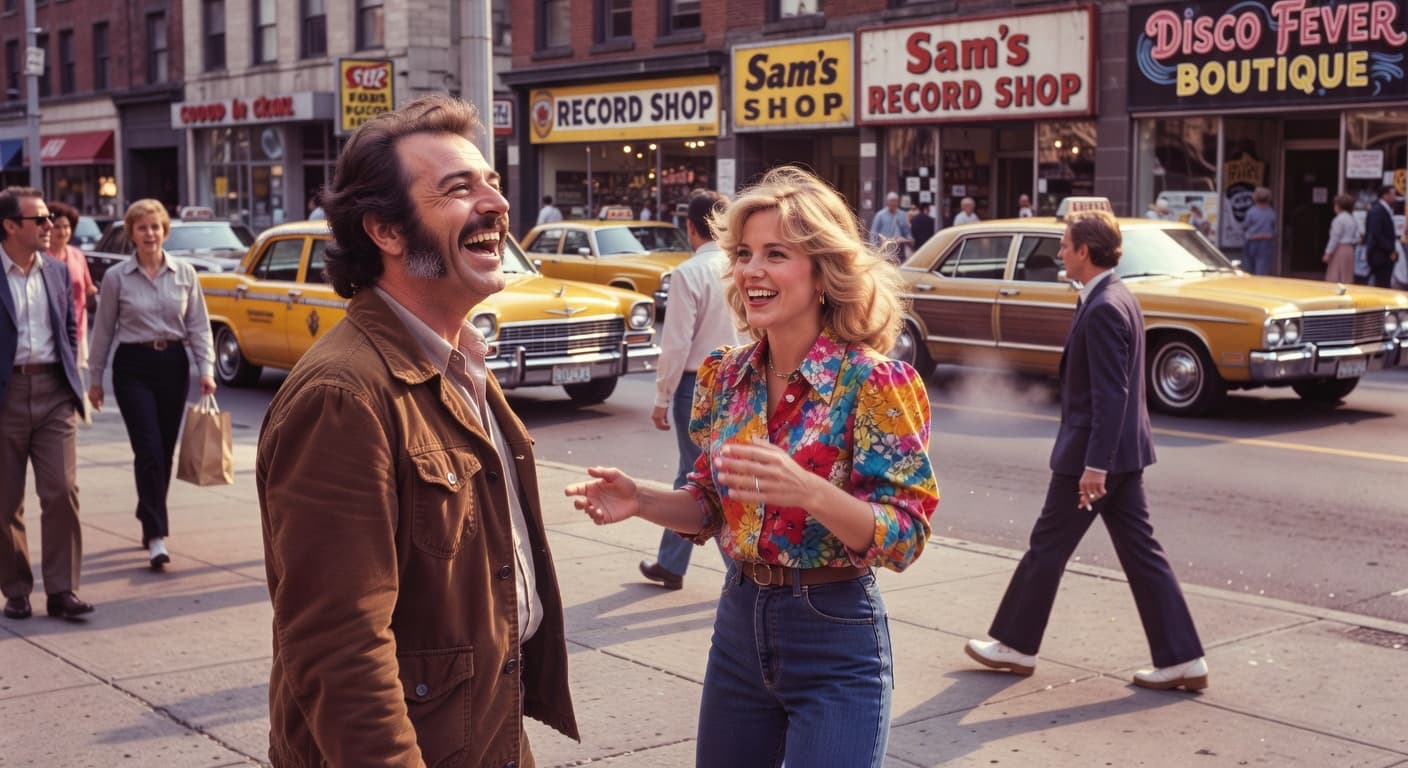
Vintage Film
"1970s street scene, grainy film texture, warm vintage colors, candid moment."
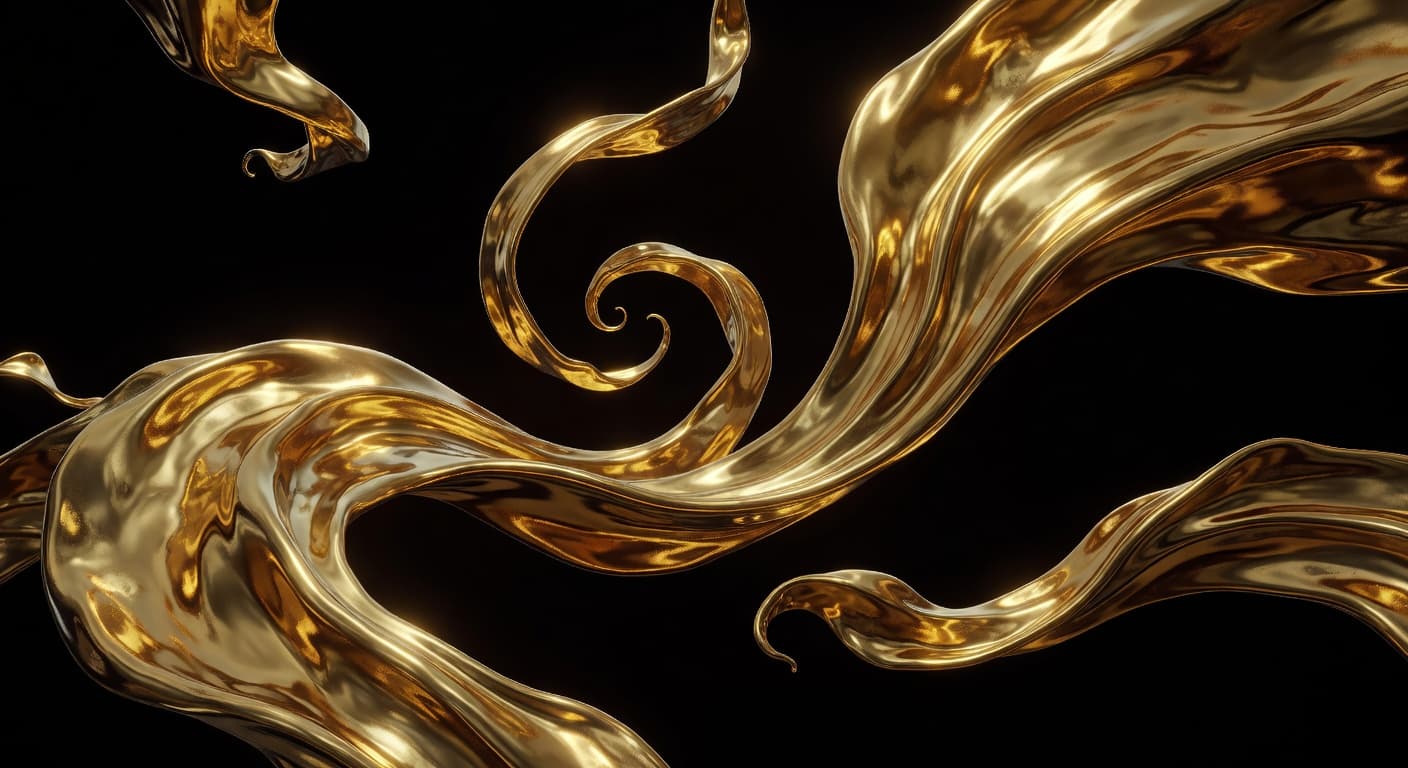
Abstract 3D
"Flowing liquid gold ribbons in a dark void, 3D render, Octane render, metallic sheen."
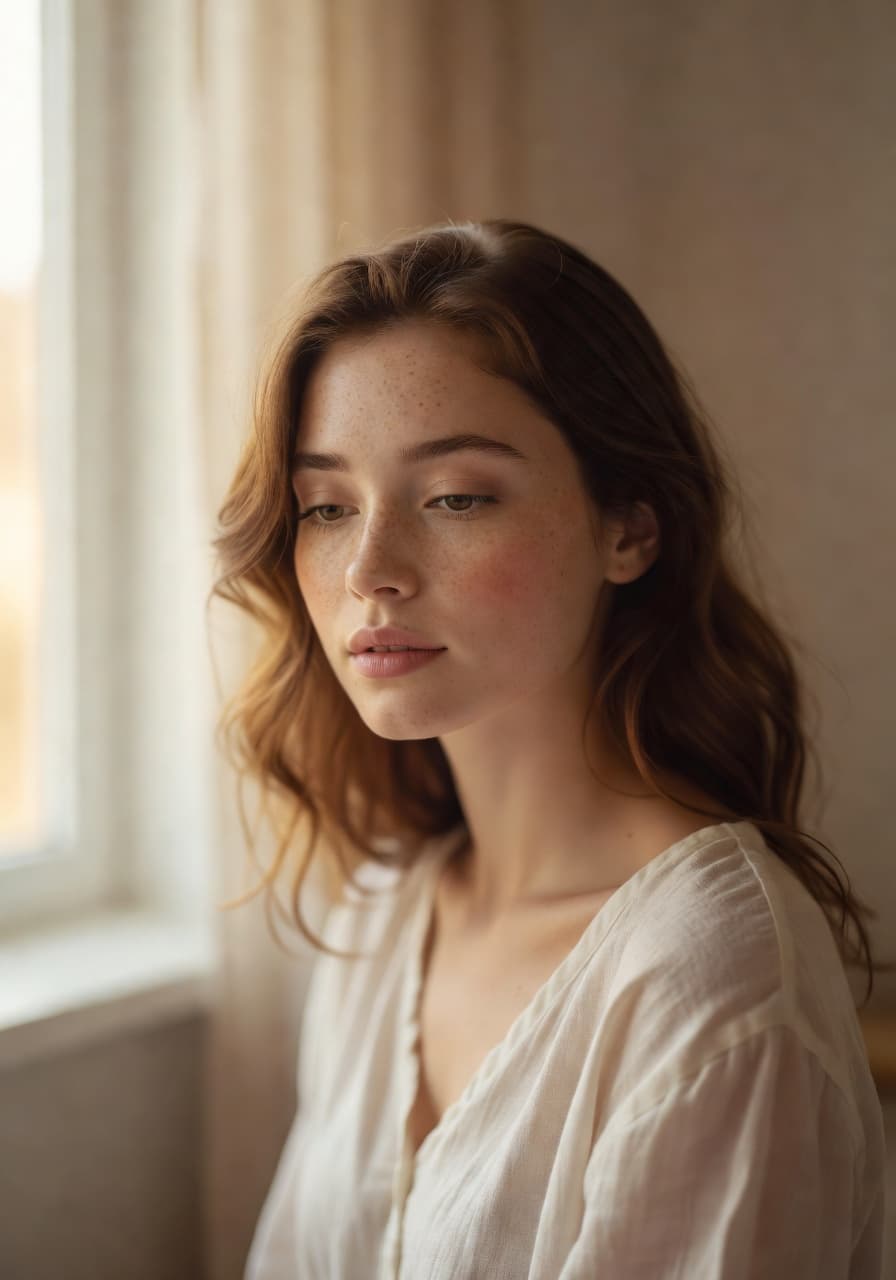
Studio Portrait
"Young woman with freckles, natural light from a window, soft focus, 50mm f/1.2."
How to Generate Images
with Grokimagine 2.0
Upload Your References
Add reference images for style, composition, or subject. The more visual context you provide, the more accurate the output.
Write Your Prompt
Describe what you want — subject, style, lighting, background, mood. Specific details produce better results.
Generate & Download
Aurora renders your image in seconds. Edit, restyle, or animate it — then download and use anywhere.
Pro Tip
Describe your image like a photograph: camera settings ("shot on Canon 5D, 85mm f/1.8"), lighting ("golden hour, backlit"), and composition ("close-up portrait, shallow depth of field"). Aurora responds to this level of detail with noticeably sharper, more accurate results.
Images Created by the
Grok Imagine Community
Every image below was generated by a real user with Grokimagine 2.0. Browse for inspiration — then create your own.
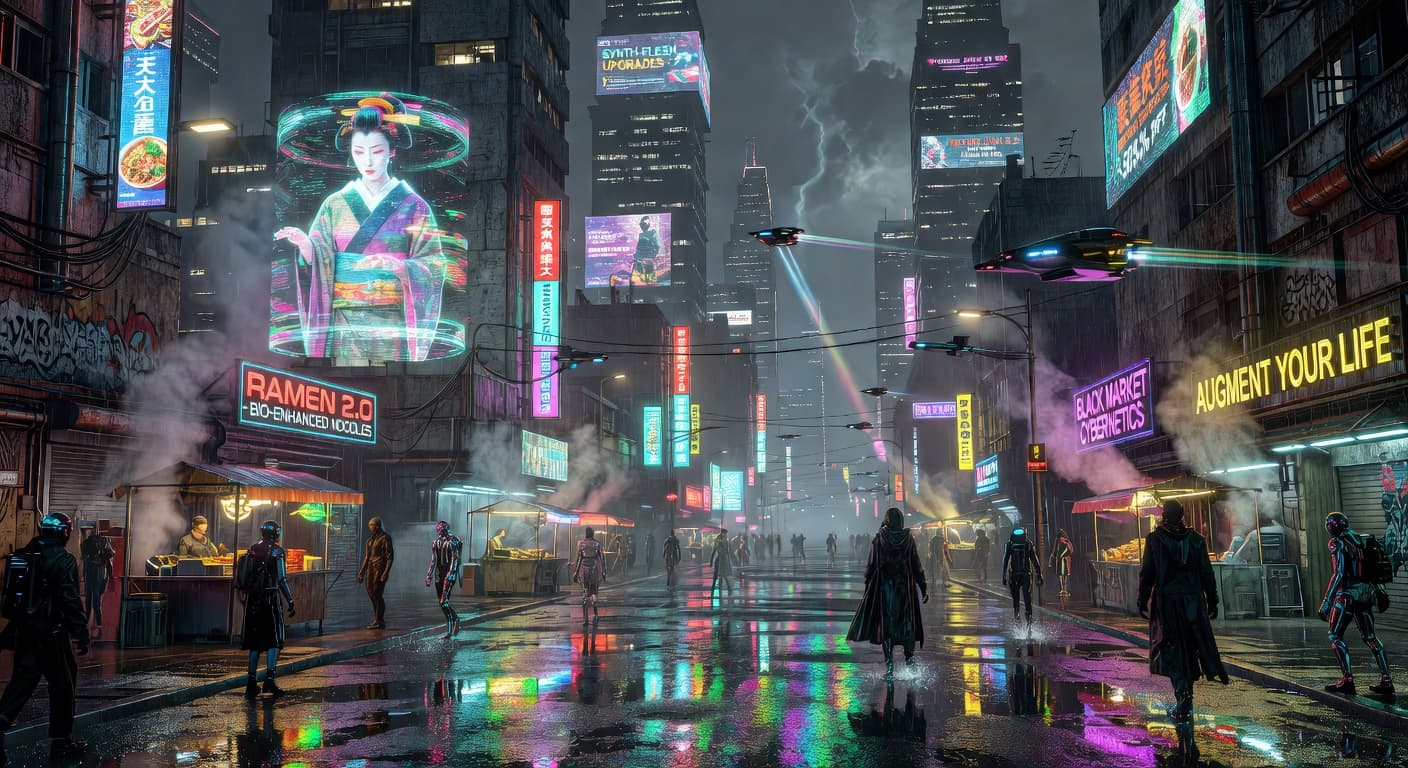
"Cyberpunk neon street"
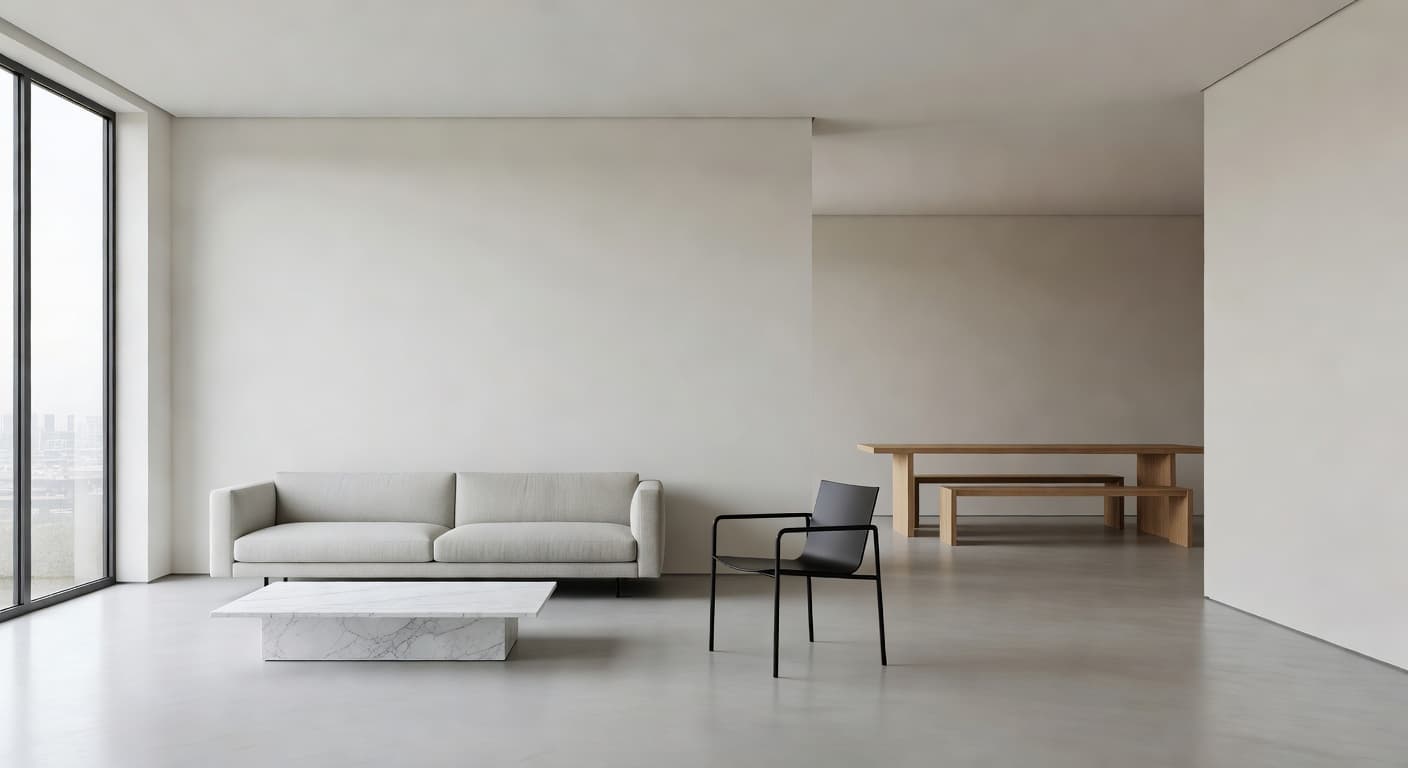
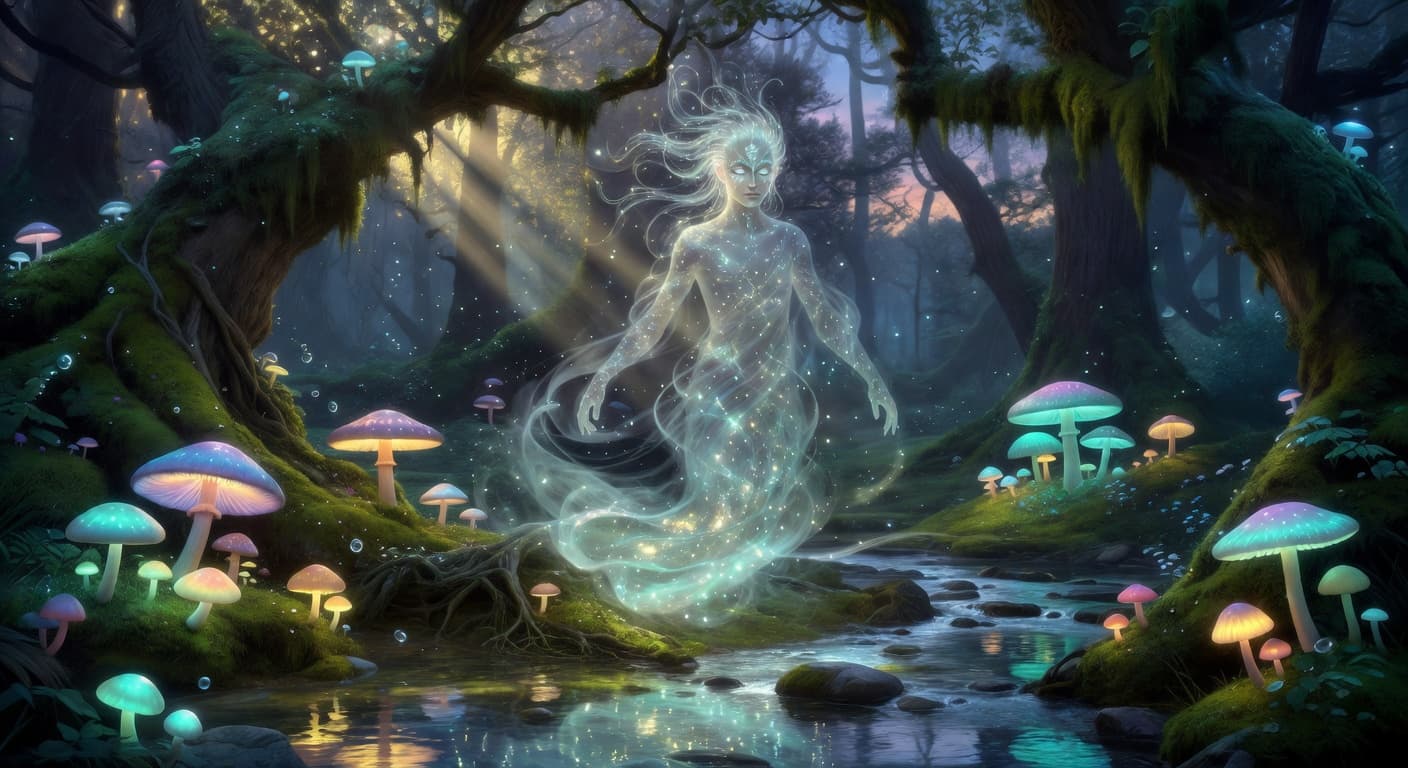
"Ethereal forest spirit"
"Modern minimalist interior"
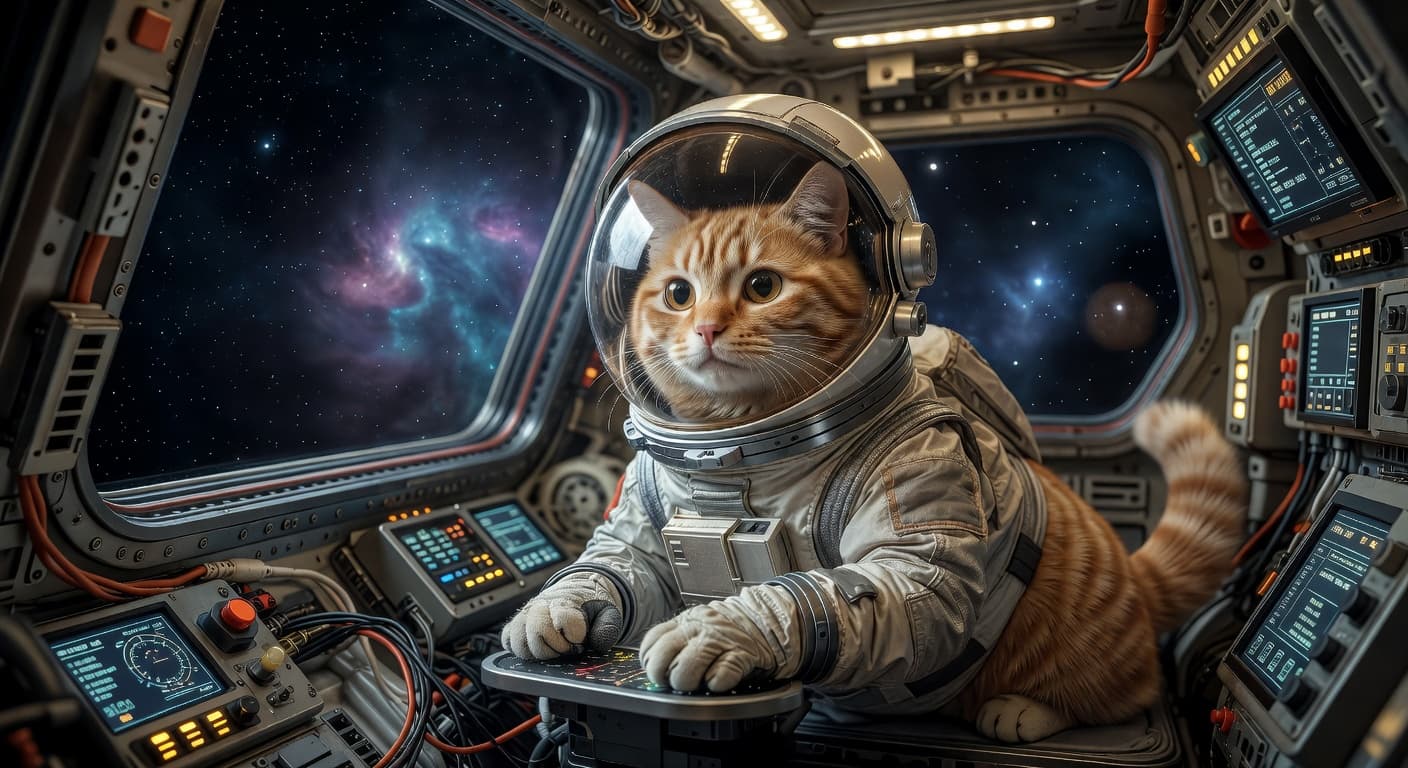
"Hyper-realistic cat astronaut"
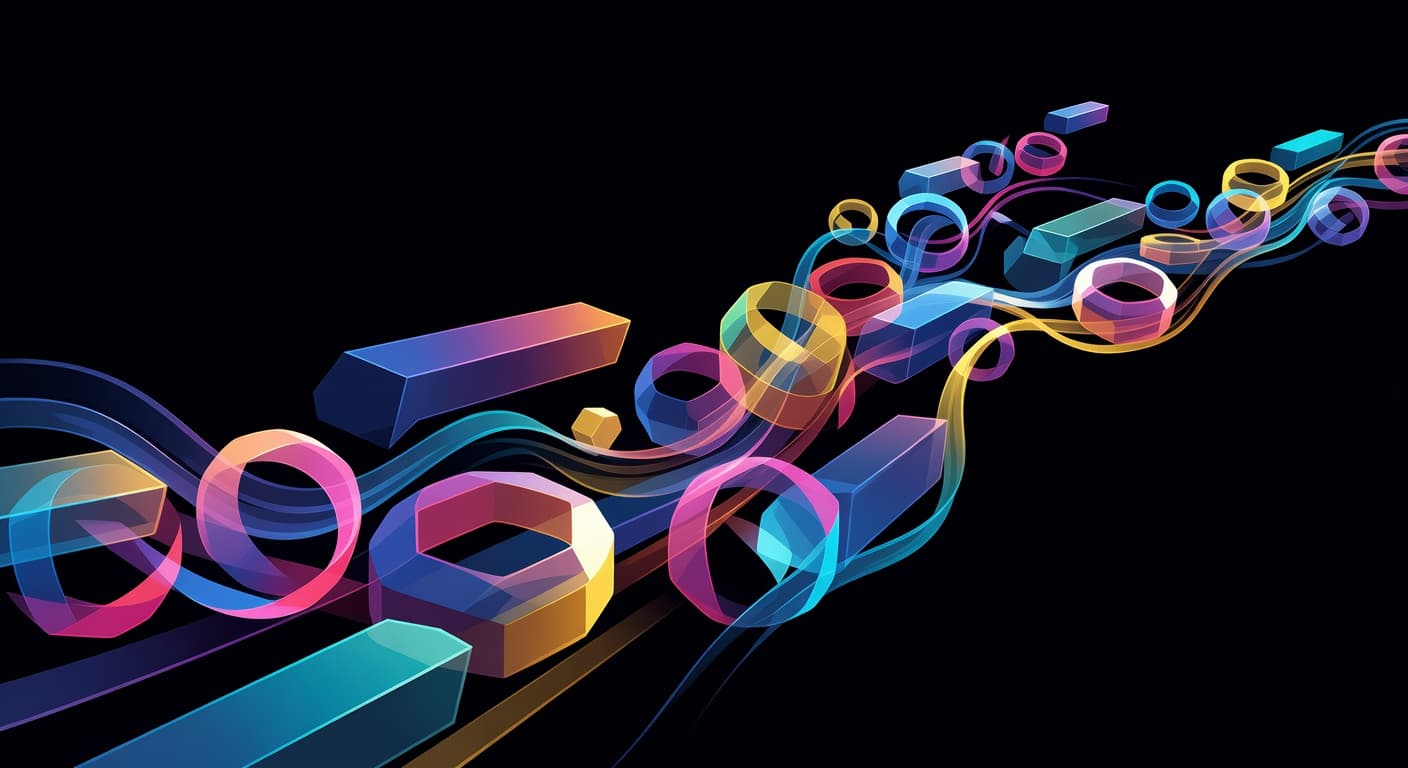
"Abstract geometric flow"
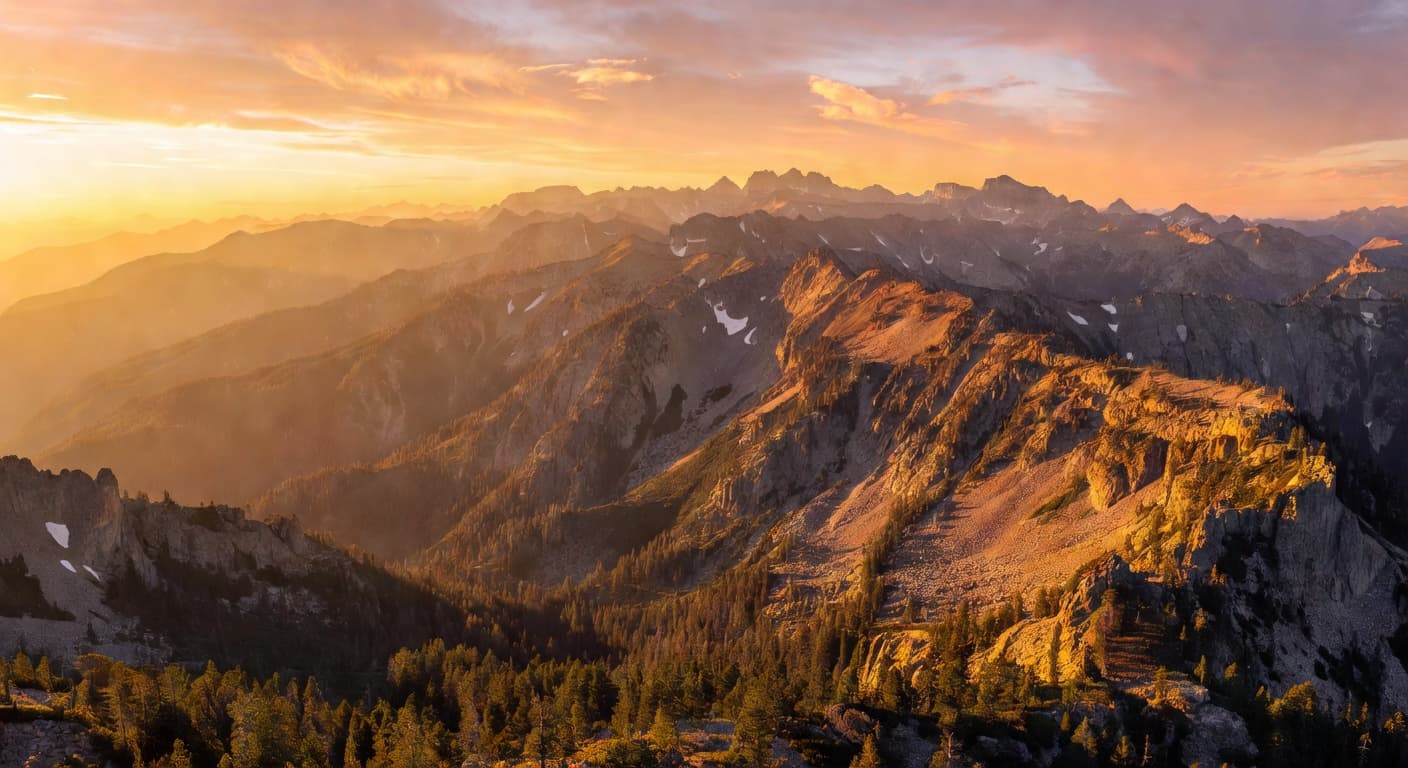
"Golden hour mountain range"
Why Choose Grokimagine 2.0
Over the Competition?
Video AND Image — One Platform
No more switching between tools. Generate a photorealistic image and animate it into a 4K video instantly in the same workspace.
Feed It Anything
Our Multi-Modal engine accepts text, images, and video clips as references simultaneously, giving you total creative control.
No Setup. No API Keys.
Start creating in your browser immediately. We handle the massive compute power of xAI's Aurora model so you don't have to.
What Will You Create
With Grokimagine 2.0?
Social Media Content
Stop the scroll with viral-ready AI videos and images.
Marketing & Ads
Generate professional product shots and commercials in minutes.
Film & Concept
Bring your scripts to life with cinematic storyboards and clips.
Product Demos
Showcase your products in any environment without a physical shoot.
Education
Create immersive visual aids and explainer videos effortlessly.
Personal Projects
Turn your wildest ideas into stunning visual realities.
Grok Imagine 2.0 Pricing Plans
Choose a one-time credit pack based on your creative workload, from quick experiments to high-volume production. If you are new here, start from the Grok Imagine 2.0 homepage to review product capabilities before selecting a plan.
Starter
What's included
- 100 Credits, valid forever
- Create HD text-to-video or image-to-video clips with natural native audio
- 720p export, no watermark download
- Commercial use license
- Standard queue speed
- Email support
Basic
What's included
- 350 credits included
- Faster HD generation for daily content
- Text to Video & Image to Video with native audio
- 1080p export, no watermark download
- Commercial use license
- Priority queue speed
- Priority support (email)
Plus
What's included
- 600 credits included
- Scale creative runs with better stability and look
- Text to Video & Image to Video with native audio
- 1080p export, no watermark download
- Commercial use license
- Faster priority queue + up to 5 concurrent jobs
- Priority support
Professional
What's included
- 1250 credits included
- Best value package
- High-volume, professional delivery and teams
- Text to Video & Image to Video with native audio
- 1080p export, no watermark download
- Commercial use license
- Fastest queue + up to 10 concurrent jobs
- Full effects pack + early access to new features
- 24/7 priority support
- Bulk processing
- API access (coming soon)
Grok Imagine AI Image
FAQ
Ready to Create?
Join 50,000+ creators pushing the boundaries of AI-generated content. Start your first 4K generation today.