In-Depth Analysis of Grok Imagine 2.0 Test Results
To comprehensively evaluate the true generative capabilities of Grok Imagine 2.0, we conducted over 50 intensive generation tests over the course of three weeks. Below are the five most representative test scenarios we selected. We evaluated not only visual precision but also the consistency of its physics engine, the stability of complex camera movements, and the synchronization of its native audio.
Test 1 — Photorealistic Human + Environment
Expanded prompt
"A middle-aged woman with short silver hair, wearing a dark waterproof trench coat, walks slowly through a narrow, rain-soaked Tokyo alleyway late at night. Brilliant cyberpunk-style neon signs line the street, their colorful lights reflecting perfectly on the wet asphalt. She looks thoughtful and solemn, occasionally glancing down at the faint blue glow of her smartphone screen. Raindrops slide naturally off her umbrella ribs and hair. Cinematic 8K resolution, depth of field, strong chiaroscuro."
Deep evaluation
In this highly demanding lighting scenario, Grok Imagine 2.0's performance was nothing short of stunning. The model flawlessly handled complex environmental details — the diffuse reflections of neon lights on the wet asphalt achieved a level of realism akin to ray tracing. The fluid dynamics of raindrops splashing on the ground and sliding down clothing were incredibly natural. Most impressively, throughout the entire 30-second clip, the woman's facial features (including fine wrinkles around her eyes and micro-expressions) maintained absolute temporal consistency, completely avoiding the "facial morphing" or flickering commonly seen in earlier AI video models.
On the audio front, the natively generated ambient track automatically matched highly realistic rain sounds, faint distant sirens, and the squelch of footsteps on puddles, requiring absolutely no post-production audio mixing.
Test 2 — Product Commercial Video
Expanded prompt
"A minimalist, sleek matte black ceramic coffee mug sits quietly on a finely textured, premium white marble countertop. Hot coffee inside gracefully releases rising steam. The camera executes a smooth, constant 180-degree pan shot at eye level around the mug. The background is a clean, modern minimalist kitchen, with soft, warm morning sunlight streaming through a large window, casting gentle shadows on the counter. Commercial advertising lighting, macro lens capturing material textures."
Deep evaluation
For commercial creators, camera stability and material realism are the core metrics for usability. In this test, Grok Imagine 2.0 demonstrated top-tier spatial geometry comprehension. The 180-degree panning motion was buttery smooth, and the perspective of the mug remained physically accurate throughout the rotation without any warping. The contrast between the light-absorbing matte ceramic and the reflective marble surface was distinct and highly realistic.
Furthermore, the fluid dynamics of the rising steam appeared entirely natural, avoiding the trap of looking like rigid smoke or breaking into disjointed layers. This footage essentially met the standard to be dropped directly into Premiere Pro or DaVinci Resolve as commercial B-roll. However, because the scene was so quiet, the natively generated audio was somewhat flat, providing only a faint room tone.
Test 3 — Stylized / Artistic Scene
Expanded prompt
"A lone samurai in worn, traditional armor stands quietly at the edge of a steep cliff lined with cherry blossom trees. In the background, a massive, warm orange sunset slowly sinks into a sea of clouds. Classic Studio Ghibli hand-drawn animation style, featuring soft color palettes and watercolor-like blending transitions. A gentle breeze rustles the samurai's garments, as countless pink cherry blossom petals dance in the air with graceful, physically accurate trajectories. Serene and slightly melancholic atmosphere."
Deep evaluation
When handling specific artistic styles, many AI video models simply apply a rigid "filter." Grok Imagine 2.0, however, clearly understands the deep visual language of the Studio Ghibli aesthetic. It accurately recreated the breathable, soft color gradients, the flat shading techniques, and the naturalistic environmental storytelling.
The wind physics engine in this scene was incredibly poetic; the falling trajectories of the cherry blossoms and the fluttering of the samurai's clothes adhered to traditional animation framerate conventions rather than looking like a stiff 3D simulation. This video proves that the model isn't just capable of photorealism — it is equally masterful at highly stylized artistic expression.
Test 4 — Same Prompt, Four Models (Head-to-Head)
Expanded prompt
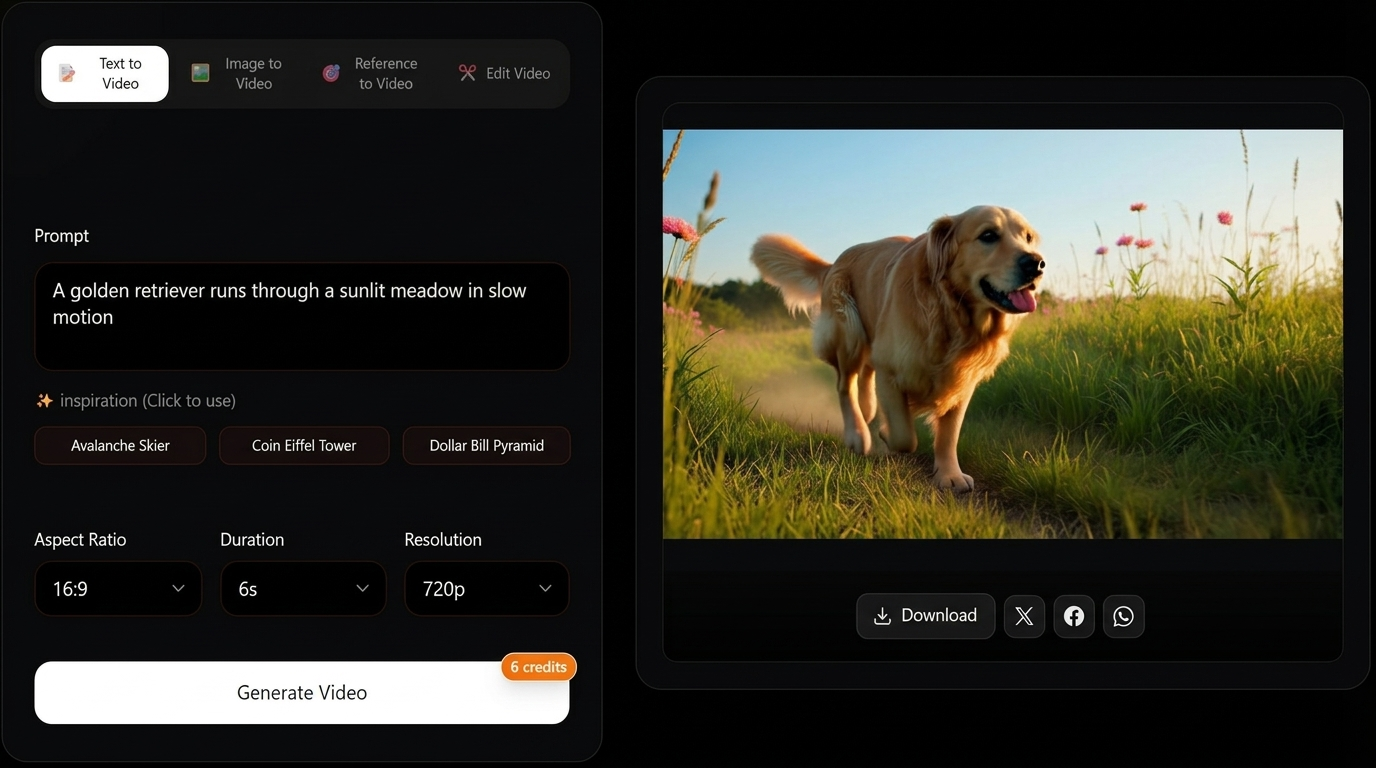
"A thick-coated, glossy Golden Retriever running joyfully through a sunlit, expansive meadow filled with wildflowers. Captured in a highly impactful cinematic slow-motion shot. Sunlight pierces through the canopy creating beautiful Tyndall effects (light rays). The dog's ears and fur bounce elastically in the air with every stride. High definition, vibrant natural colors."
Deep evaluation
Using the exact same prompt, we ran a direct comparison between Grok Imagine 2.0 and three of its strongest competitors (Seedance 2.0, Veo 3.1, Kling 3.0). Grok Imagine 2.0 took the crown thanks to its native 4K resolution. In slow motion, the edges of individual hairs illuminated by the sun were clearly visible, and the motion blur was handled perfectly.
| Model | Resolution | Duration | Audio | Visual Quality | Prompt Match |
|---|
| Grok Imagine 2.0 | 4K | 30s | Native ✓ | ★★★★★ | 9.5/10 |
| Seedance 2.0 | 2K | Variable | Native ✓ | ★★★★☆ | 8.5/10 |
| Veo 3.1 | 4K | 60s+ | Native ✓ | ★★★★½ | 9/10 |
| Kling 3.0 | 4K | 15s | Native ✓ | ★★★★☆ | 8/10 |
Video comparison — Golden Retriever prompt (four models)
Same text prompt, four outputs in a 2×2 grid. Swap sources in code if you refresh benchmark clips.
Seedance 2.0 offered equally vibrant colors, but at 2K resolution, the distant details in the meadow appeared slightly smudged.
Veo 3.1 excelled in its ability to generate coherent video upwards of 60 seconds, but it fell slightly behind Grok in capturing the elastic physical feedback (like the bouncing ears) in slow motion.
Kling 3.0 also provided excellent 4K quality and physical realism, but its 15-second generation limit hindered the narrative tension required for a slow-motion sequence.
See full platform comparisons: vs Seedance 2.0 → · vs Veo 3.1 → · vs Kling 3.0 →
Test 5 — The Reality Check: Where Grok Imagine 2.0 Struggles
Expanded prompt
"An extreme close-up macro shot focusing on the hands of a professional musician. He is rapidly playing a highly complex solo on a beautifully crafted wooden acoustic guitar. The shot must clearly capture the fingers rapidly pressing the frets, sliding, and the high-frequency vibration of the strings. A warm stage spotlight shines from the upper side, illuminating the skin texture of the fingers and the wood grain of the guitar neck."
Deep evaluation
No AI model is perfect, and we specifically designed this stress test to find Grok Imagine 2.0's breaking point. As it turns out, complex human anatomical interactions with objects at high speeds remain the Achilles heel for all current video generation models.
In this test, the wood grain of the guitar, the metallic sheen of the strings, and the stage lighting were flawless. However, when the musician's fingers began executing rapid cross-fret chord changes, the model struggled. During certain high-speed frames, the fingers occasionally morphed, sometimes briefly spawning a "sixth finger" for half a second or visually melting slightly into the fretboard. Additionally, in the final 5 seconds of the 30-second clip, the rapid strumming motions suffered from temporal inconsistency. This indicates that while environmental and static object generation is near-perfect, creators should still exercise caution — or rely on post-editing — when dealing with high-frequency, intricate motor interactions.