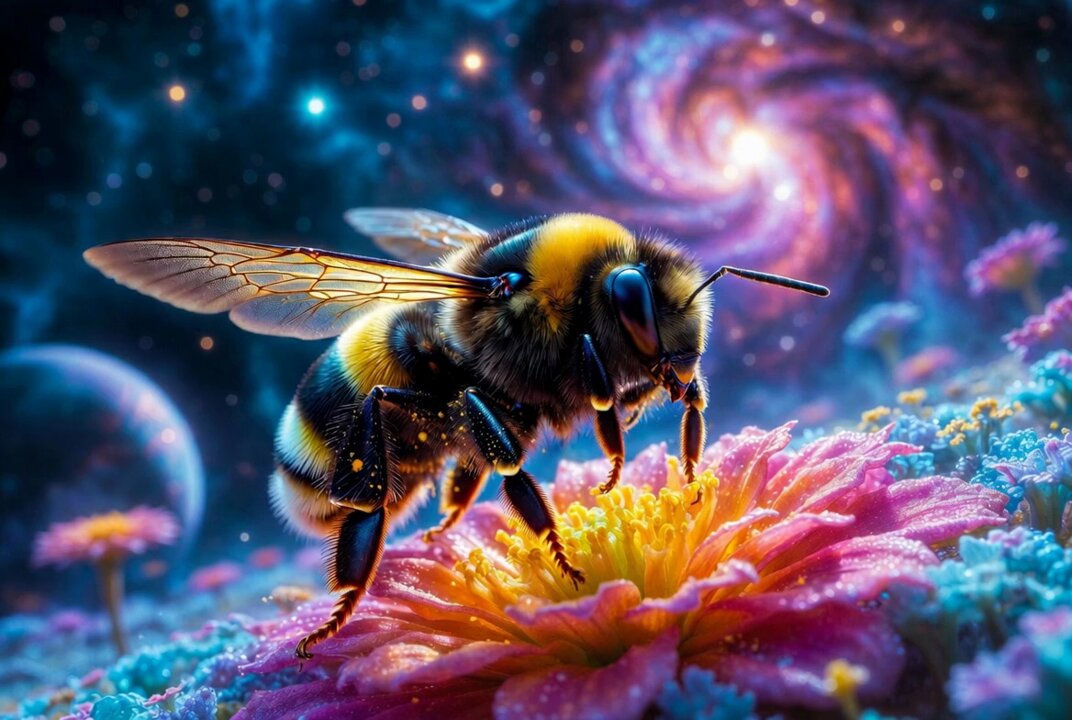
Grok Imagine Quality AI Image Generator
Generate images from text, refine uploads with plain-language edits, and get quick visual context—no heavy design stack. Built for social, ads, ecommerce, and everyday creative work.
Start below in seconds.
Creation
AI Image Generation Demo
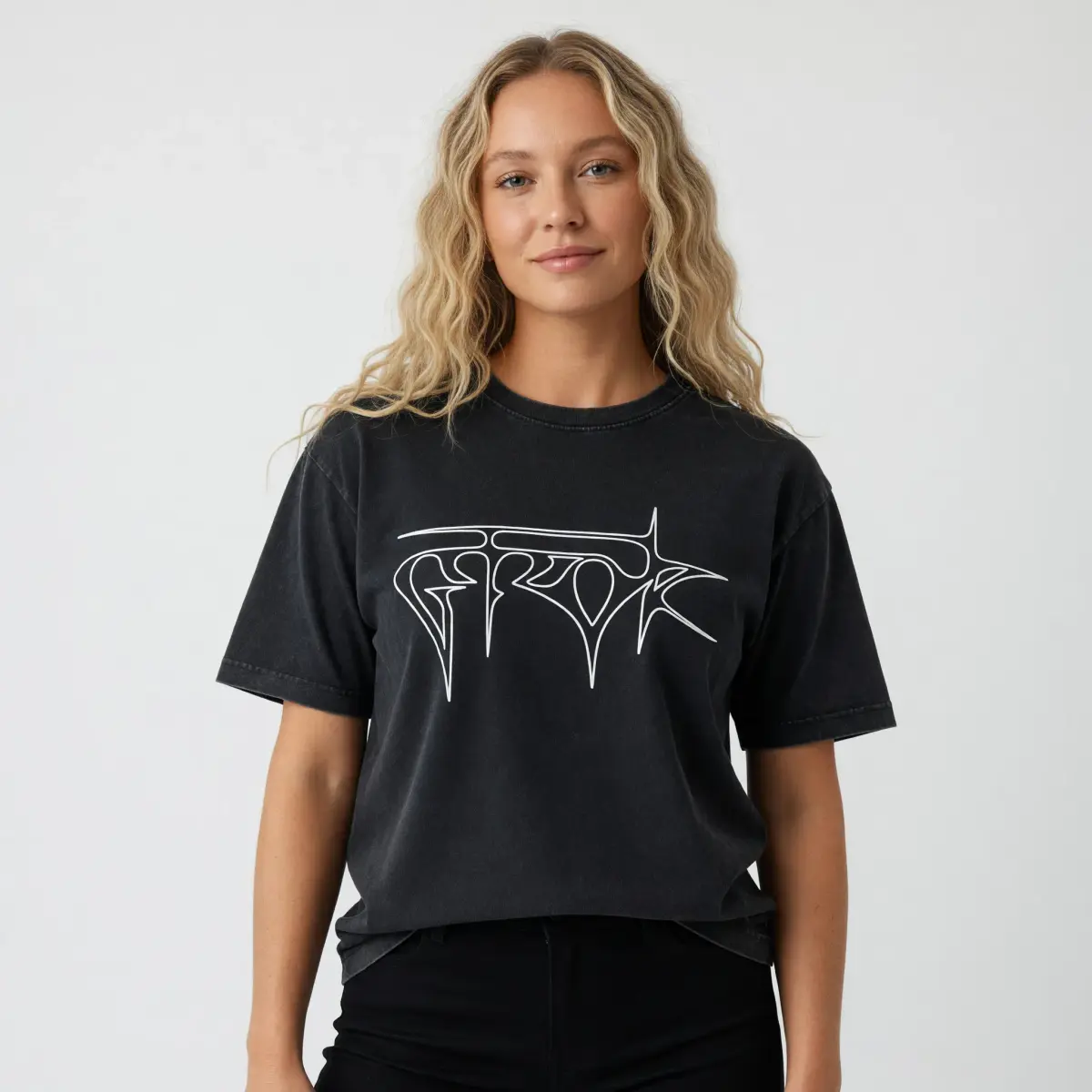
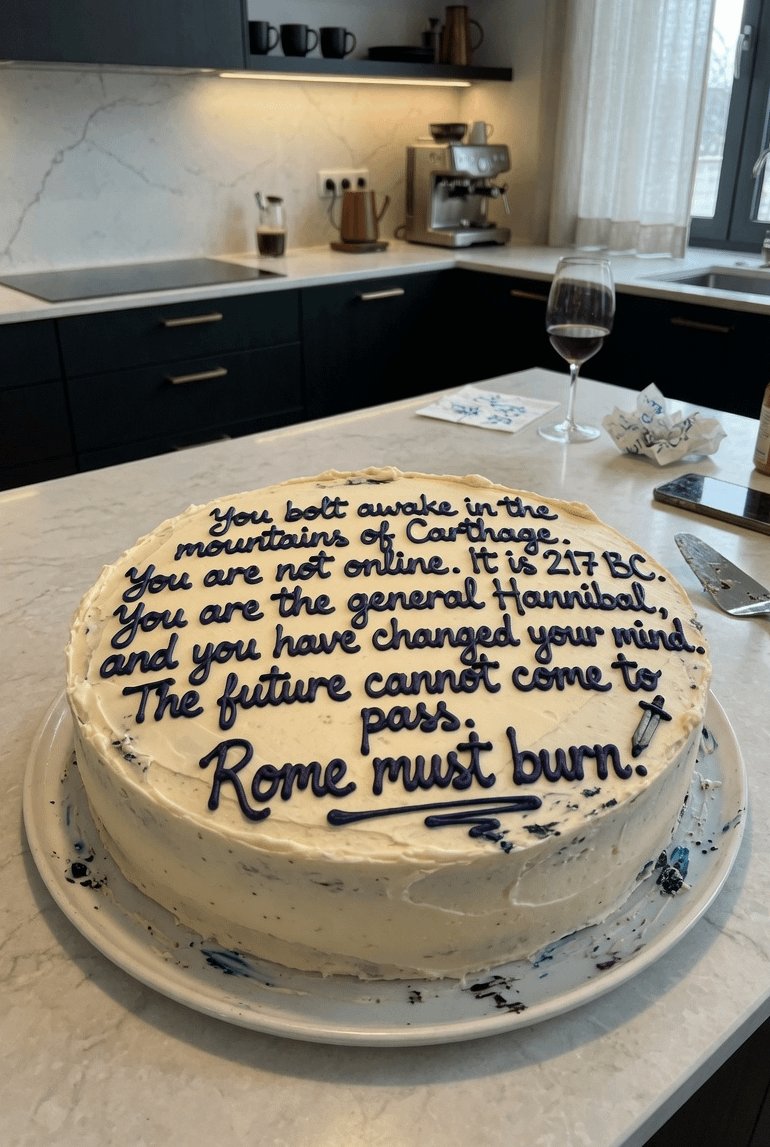
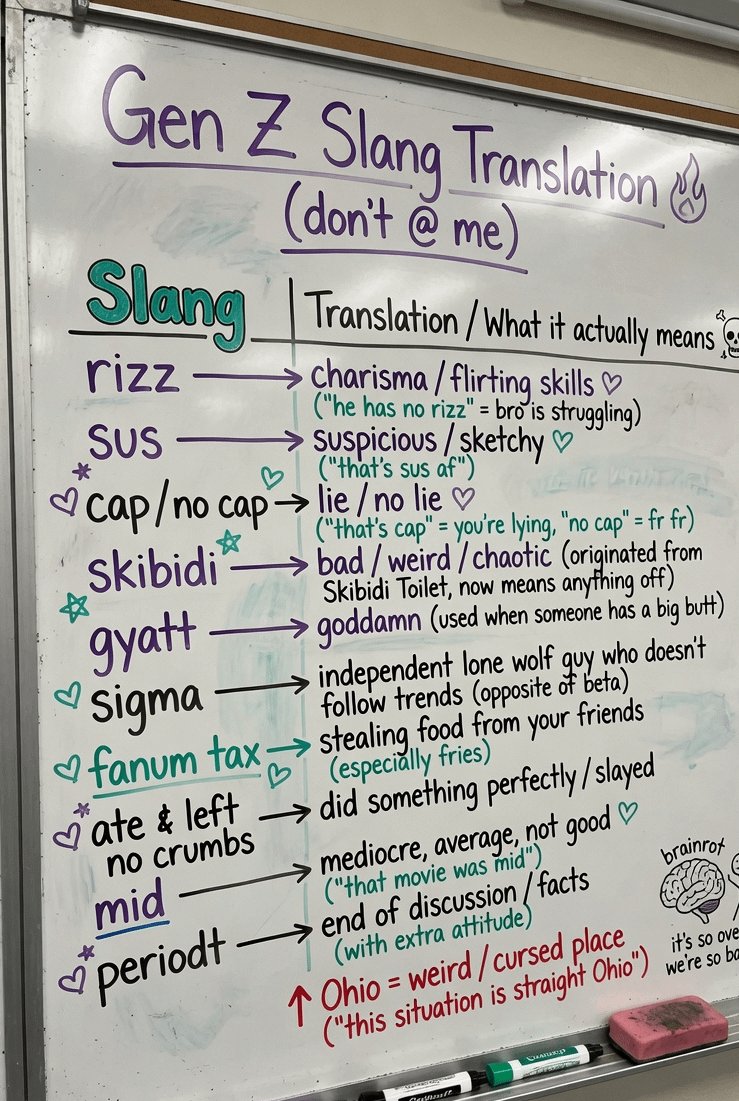
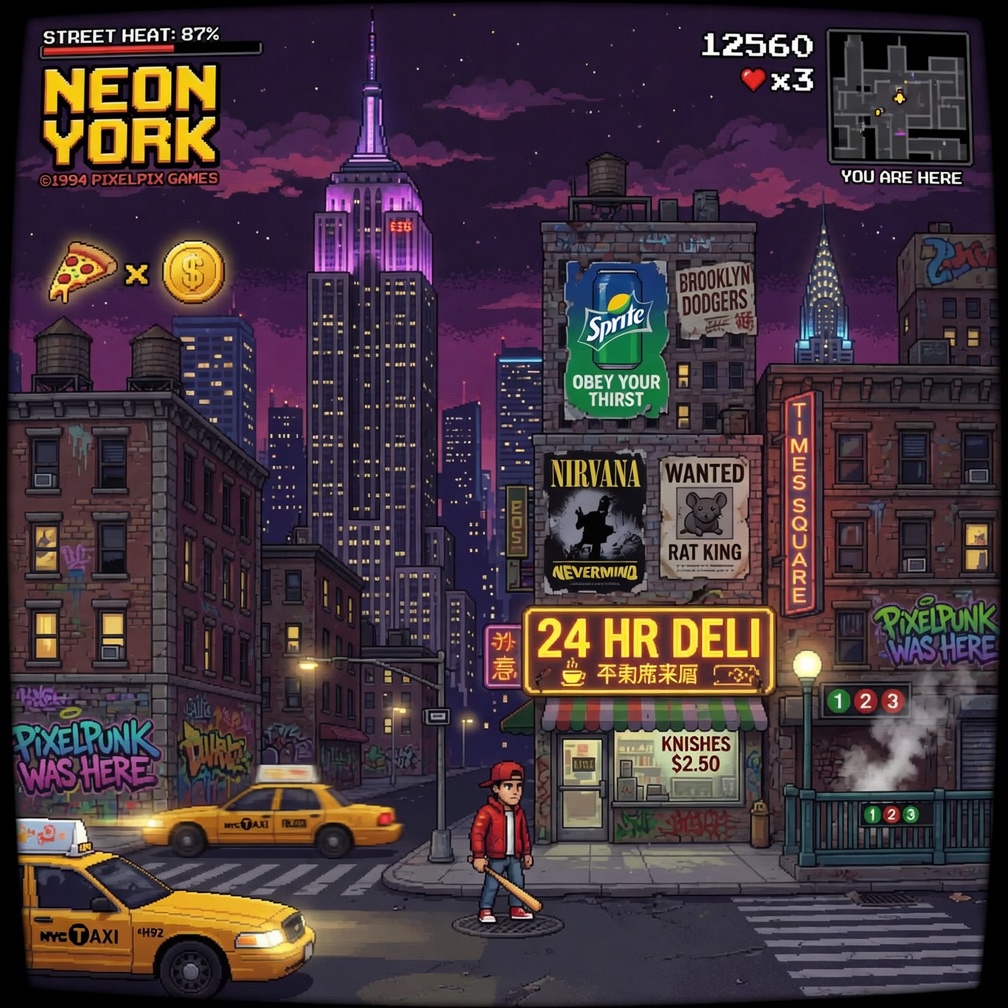
Aurora-powered photorealistic images from text, plus image-to-image editing — same pipeline as Grokimagine 1.0, tuned for stills.
Introduction to Grok Imagine Quality
Grok Imagine Quality is designed for users who want better-looking AI images with a simple creative workflow. It helps you generate images from text prompts, edit existing images with plain language, and analyze visuals so you can better understand what is shown in an image.
Unlike complicated design software, Grok Imagine Quality focuses on speed and clarity. You can describe a product shot, a cinematic poster, a lifestyle scene, a social media graphic, or a brand concept, then generate a visual draft in seconds. xAI's Imagine experience is positioned around creating and editing images and videos from text prompts, while the Imagine API also highlights visual generation, editing, and restyling workflows.
For SaaS pages, ecommerce campaigns, social posts, and marketing assets, Grok Imagine Quality can help users create more visual ideas without starting from a blank canvas. It is especially useful for people who need fast creative output but still want images that feel sharp, expressive, and ready to refine.
The best results come from clear prompts. A good prompt should include the subject, style, background, lighting, mood, color direction, and final use. For example: "A premium skincare bottle on a clean bathroom counter, soft morning light, elegant lifestyle photography, minimal background." Grok Imagine Quality can then turn that idea into a visual starting point.
Key Features of Grok Imagine Quality
High-quality image generation from text prompts
Use Grok Imagine Quality to turn simple ideas into polished visuals. Describe the subject, setting, style, color, lighting, and mood, then generate images for campaigns, posts, product pages, or creative testing.
Edit existing images with natural instructions
Upload an image and tell Grok Imagine Quality what you want to change. You can refine the background, adjust the visual mood, improve composition, restyle an image, or create a new version from an existing visual idea.
Analyze visuals and reason about image content
Grok Imagine Quality can help users understand what is inside an image, identify important visual elements, and create better prompts based on image content. This is useful for product images, design reviews, creative planning, and content optimization.
Grok Imagine Quality Prompt Tips


Grok Imagine Quality Use Cases
Social Media Content
Create eye-catching images for Instagram, X, TikTok covers, Facebook posts, Pinterest graphics, and YouTube thumbnails. Grok Imagine Quality helps creators test more content ideas with less design effort.
Product Marketing
Use Grok Imagine Quality to create product scenes, lifestyle shots, promotional graphics, and ecommerce visuals. It is helpful for brands that need attractive product content without arranging a full photoshoot.
Blog and Website Images
Generate feature images, article covers, landing page visuals, and hero graphics. Grok Imagine Quality can help make your website feel more visual, modern, and engaging.
Advertising Creatives
Create ad concepts for paid social, display campaigns, product launches, and seasonal promotions. Marketers can use Grok Imagine Quality to test different creative angles before final production.
Brand Storytelling
Build visuals that match a brand mood, campaign message, or audience style. Grok Imagine Quality can support creative concepts for startups, agencies, personal brands, and small businesses.
Image Review and Creative Planning
Upload visuals, analyze what they show, and use the results to improve prompts, plan campaigns, or create better creative briefs. Grok Imagine Quality is useful when teams need faster visual direction.
How to Use Grok Imagine Quality
1Enter a prompt or upload an image
Start with a clear idea. Describe the image you want, including subject, style, background, lighting, color, and mood. You can also upload an existing image if you want Grok Imagine Quality to edit or analyze it.
2Generate, edit, or analyze
Choose what you want to do. Generate a new image from text, edit an existing image with natural instructions, or analyze a visual to better understand its content and creative direction.
3Refine and download
Review the result, adjust your prompt, create more versions, and choose the best image. Use your final Grok Imagine Quality visual for ads, social media, websites, ecommerce, blogs, or presentations.
Grok Imagine Quality Gallery

Grok Imagine Quality FAQ
Create Better Visuals with Grok Imagine Quality
Bring your ideas to life with Grok Imagine Quality. Generate images from text, edit existing visuals, analyze image content, and create polished assets for your next campaign, product page, social post, or website.