Grok Imagine 2.0 Image Model

Grok Image 2.0 AI Image Generator

Create sharper still images, cleaner text layouts, precise edits, and production-ready visuals with Grok Imagine V2. Built for creators who need images that survive real design use.

Creation

3 credits

AI Image Generation Demo

Grok Imagine Image 2.0 creates precise text-to-image results and plain-language edits for production-ready stills.

OpenAIAnthropicGoogleMetaNVIDIAMicrosoft

Grok Image 2.0
Introduction

Grok Image 2.0, also searched as Grok Imagine Image 2.0, focuses on making AI image output more useful after the first generation. The official xAI announcement emphasizes stronger instruction following, small-detail accuracy, readable typography, precise edits, background removal, reference-guided creation, smart outpainting, and reusable templates.

That makes it a better fit for real creative workflows: product photos, social ads, educational graphics, thumbnails, posters, ecommerce images, interface mockups, and branded campaign visuals where composition and text cannot fall apart.
Why Grok Image 2.0
Matters

Built for usable output

The Image 2.0 announcement frames the model around practical creative work, not only attractive first drafts. Prompts can include layout rules, text placement, product constraints, and the final channel where the asset will be used.

Better dense-layout planning

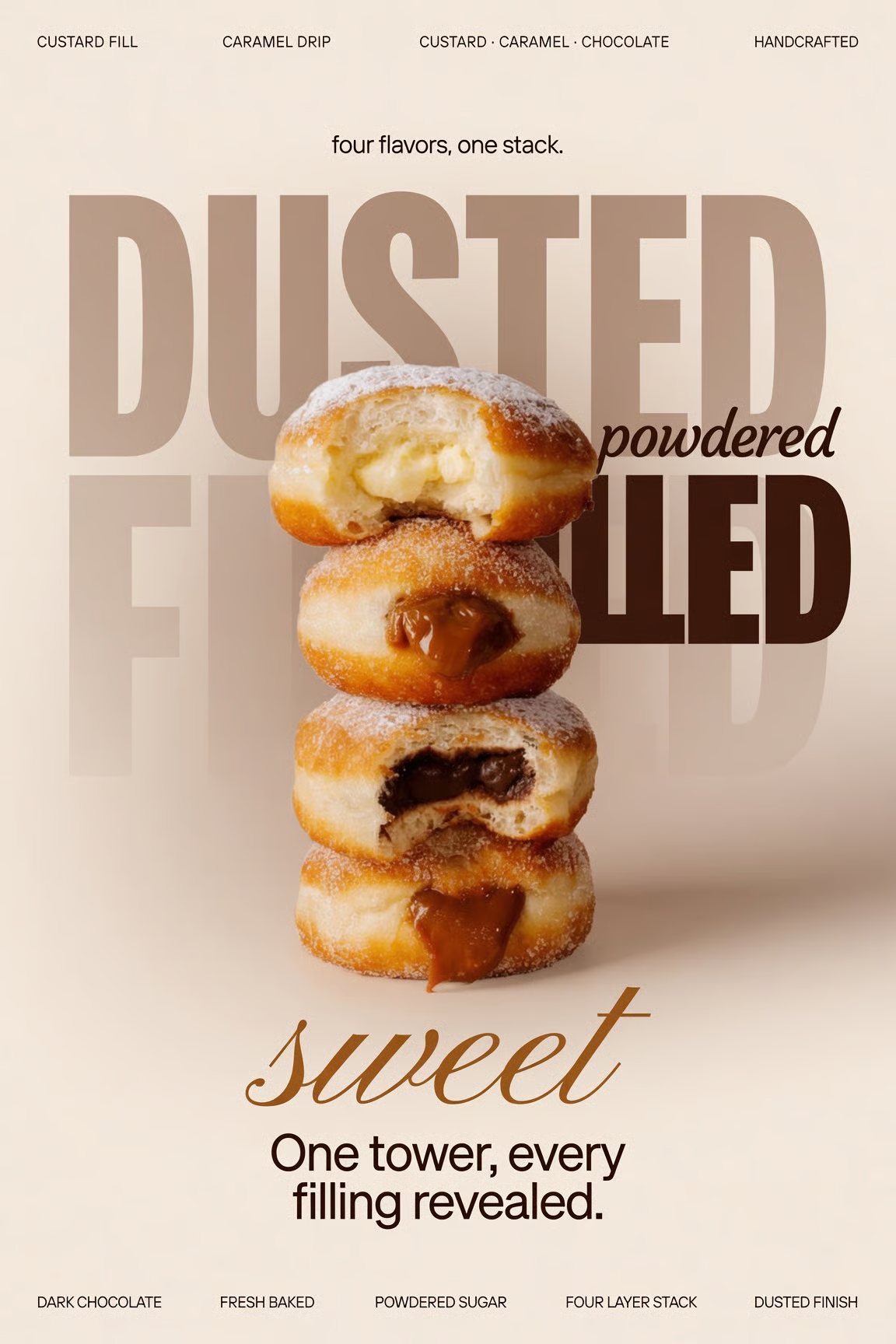
For posters, infographics, menus, covers, and UI-style graphics, the model is positioned around stronger typography planning and cleaner small details. That helps when a visual needs multiple text blocks, labels, badges, and product callouts.

Iteration without starting over

Competitor tools such as Adobe Firefly, ChatGPT image generation, Gemini, Ideogram, and Midjourney all compete on either editing, text quality, or style control. Grok Imagine Image 2.0 is aimed at bringing more of that loop into one workflow: generate, select, edit, resize, and reuse.

Grok Image 2.0
Key Features

Precise prompt following

Use detailed instructions for subject, layout, materials, text, lighting, mood, and output purpose.

Typography and small details

Create posters, menus, product mockups, interface graphics, and explainers that need cleaner lettering.

Targeted image editing

Upload a visual and describe the edit. The workflow is built for localized improvements and design iteration.

Background removal

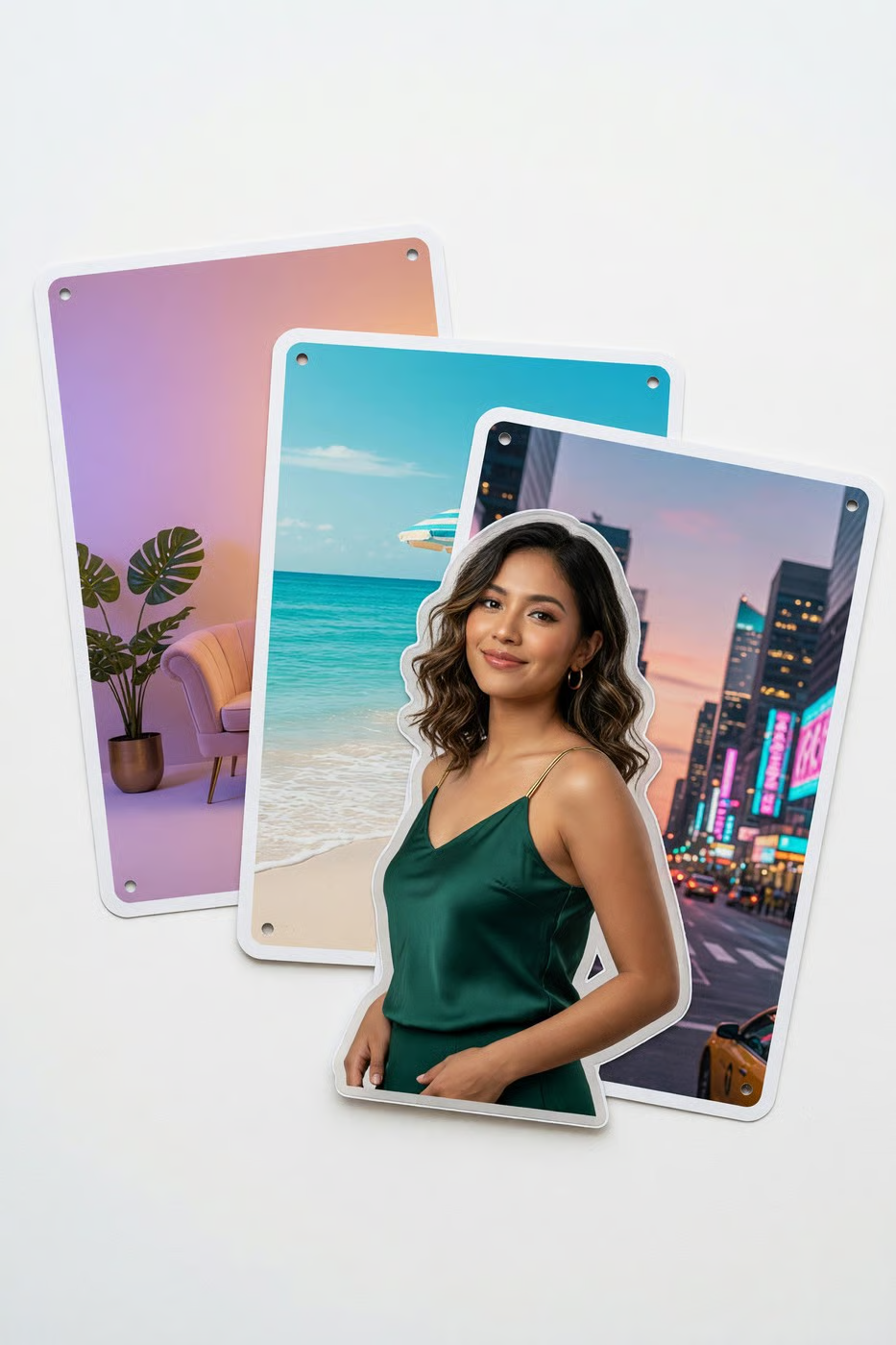
Prepare cleaner product shots, profile assets, marketplace visuals, and campaign cutouts with less manual cleanup.

Reference-driven creation

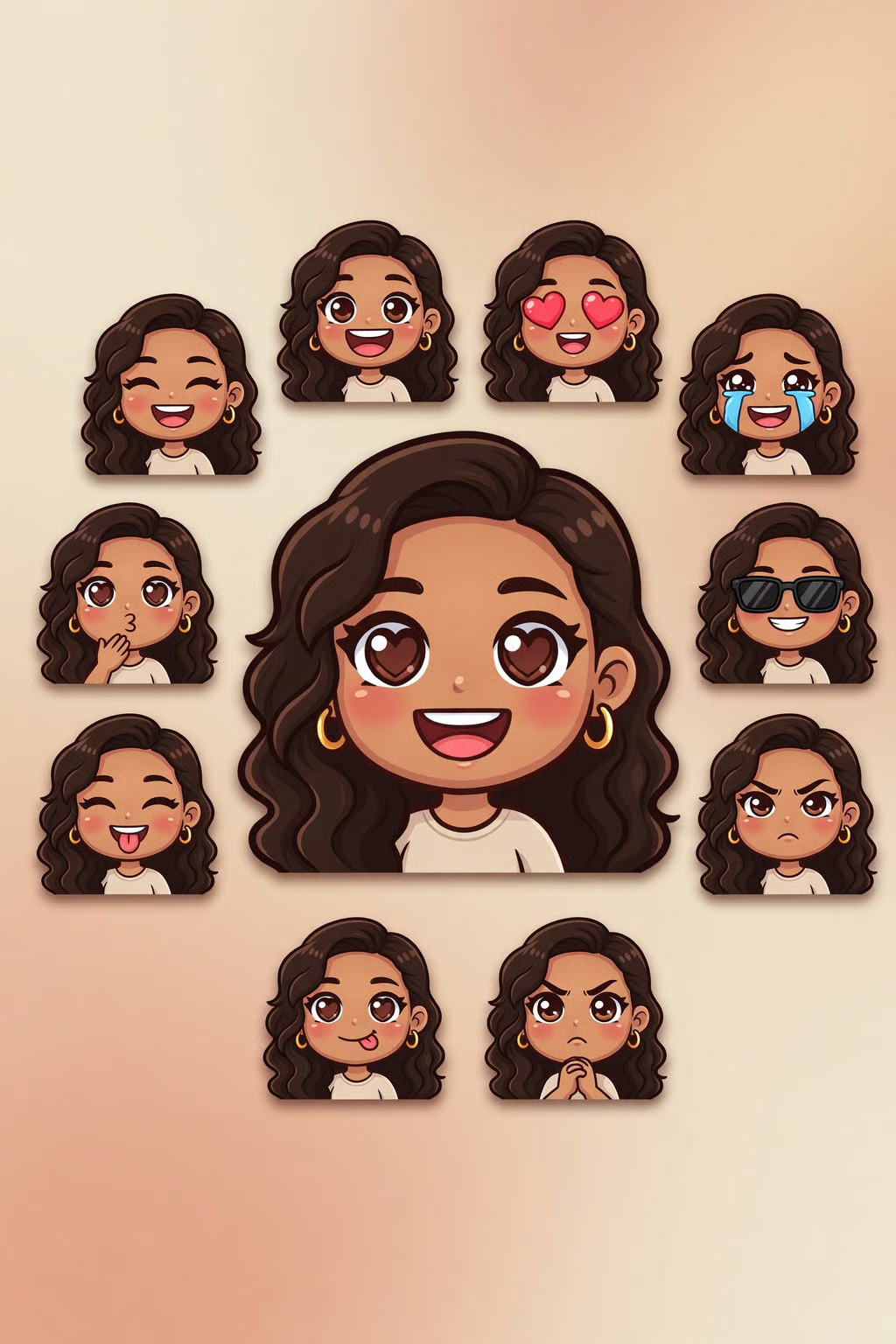
Use reference imagery to guide style, identity, pose, world consistency, and composition across a set.

Smart outpainting

Extend a frame beyond its original crop while preserving the surrounding visual logic and scene direction.

Grok Image 2.0
Use Cases

Ecommerce and product shots

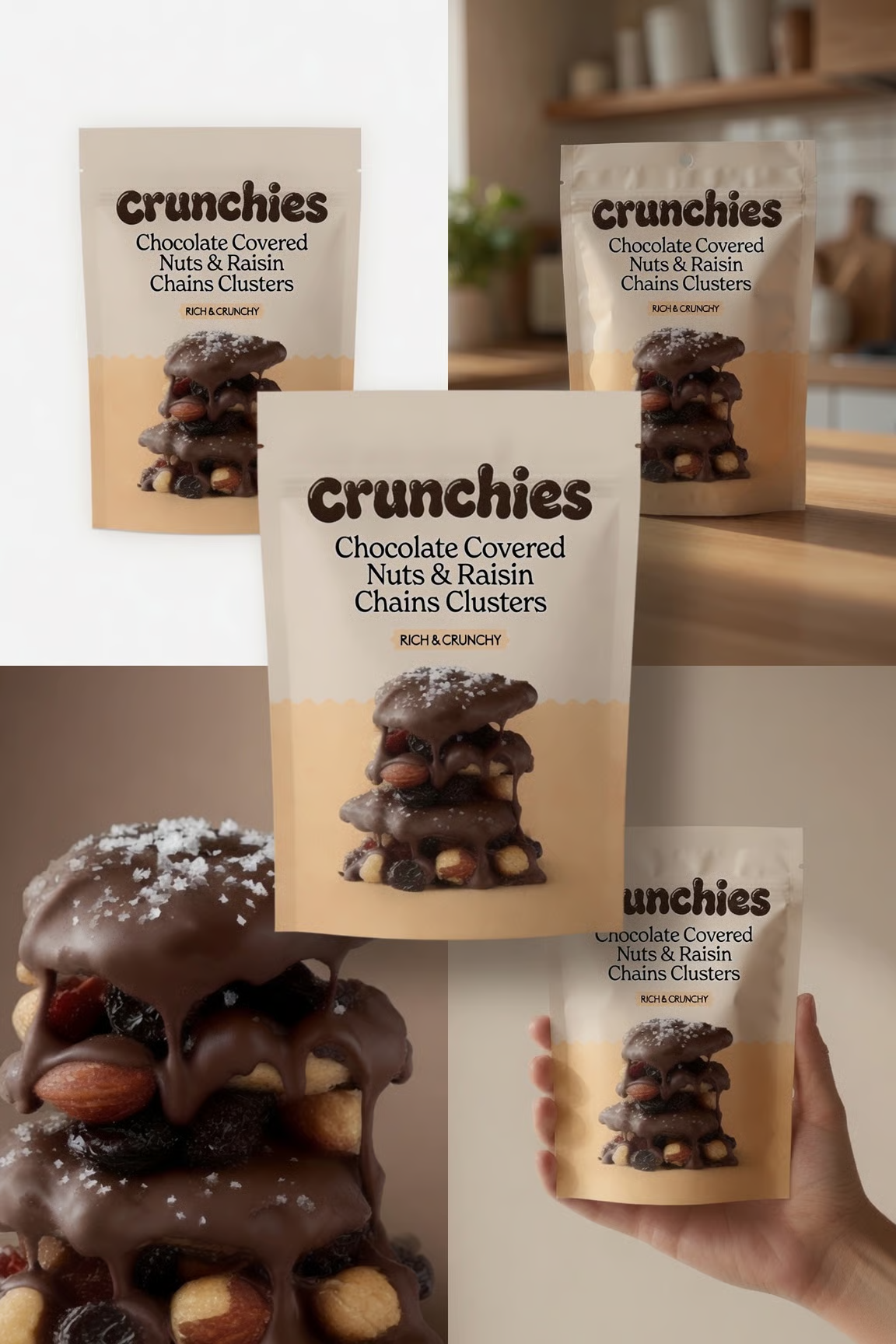
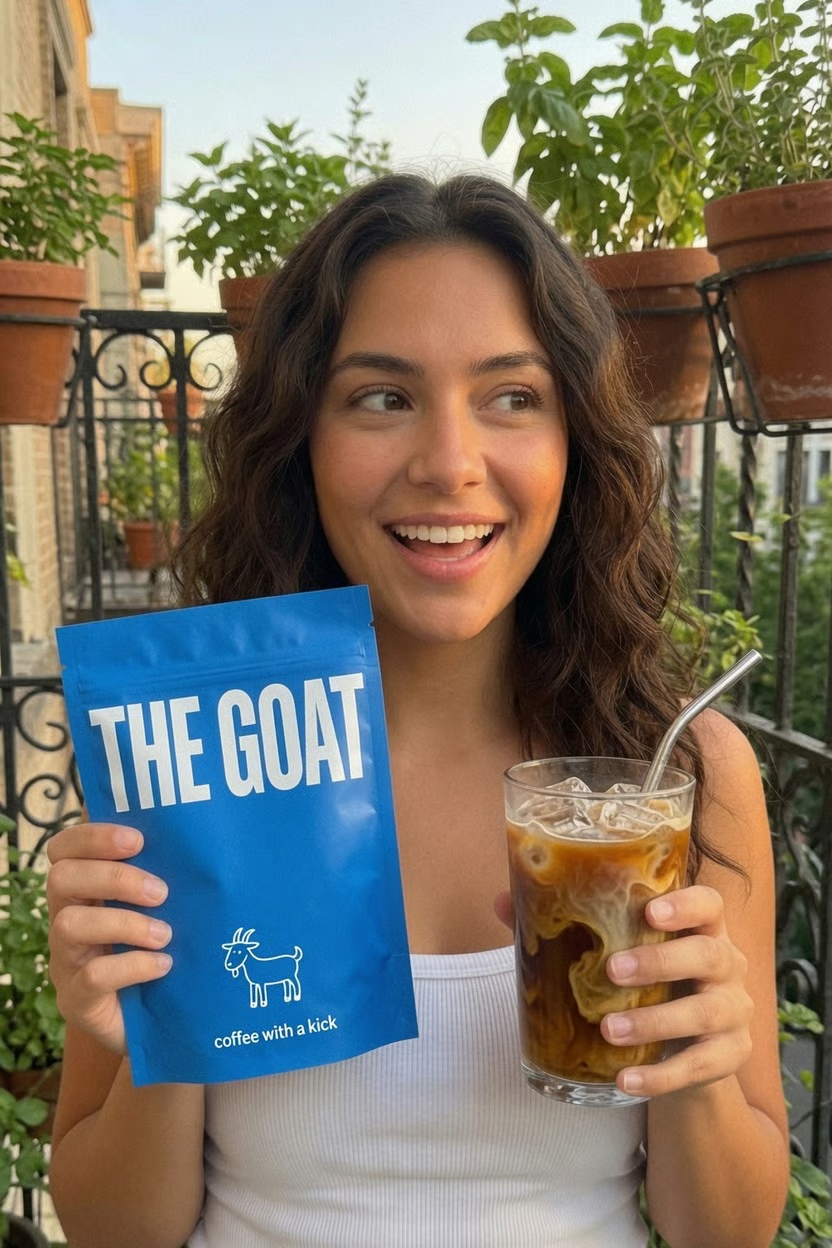
Create hero product images, lifestyle scenes, marketplace thumbnails, clean-background catalog visuals, packaging mockups, and ad variants without rebuilding the setup for every channel.

Headshots and profile assets

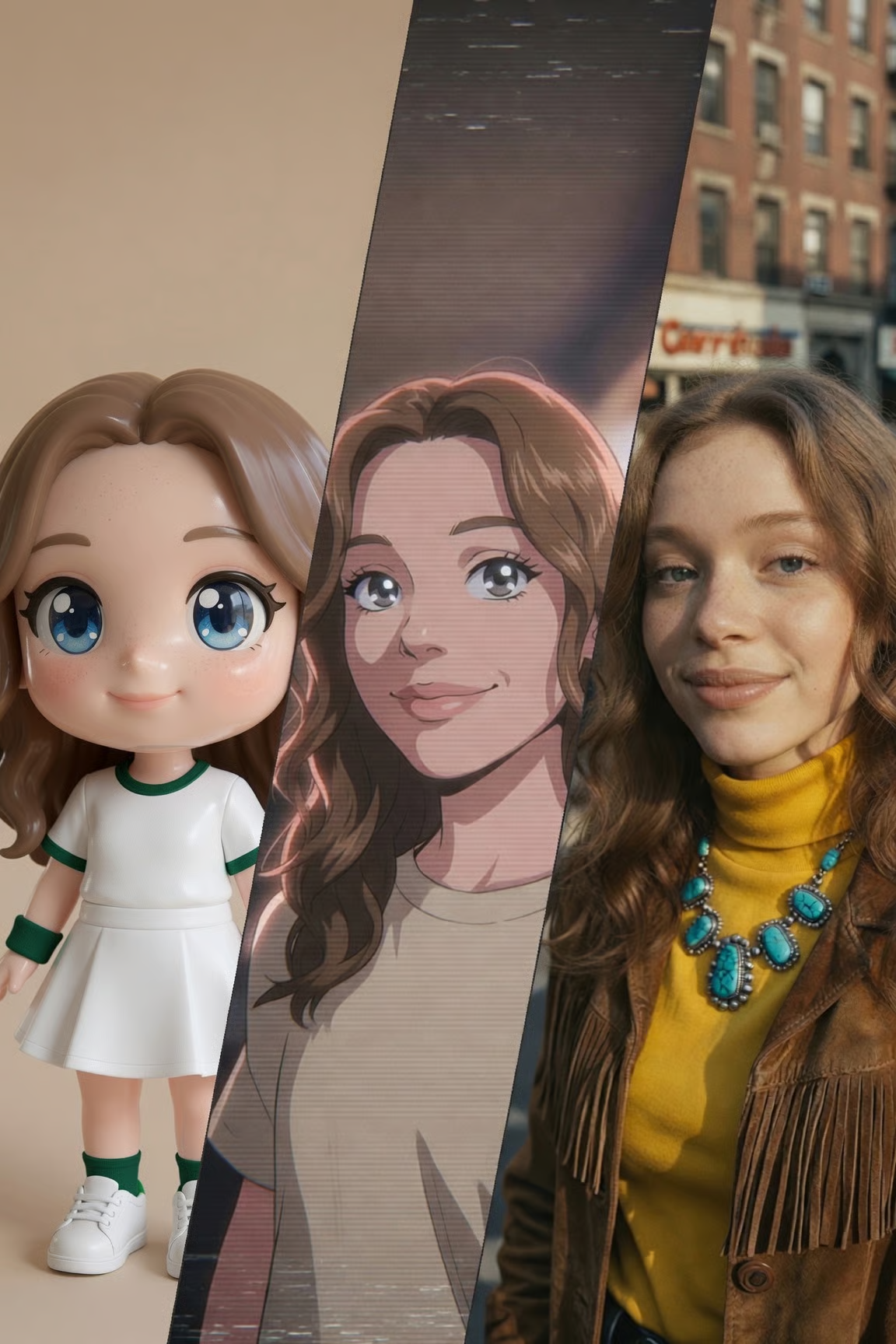
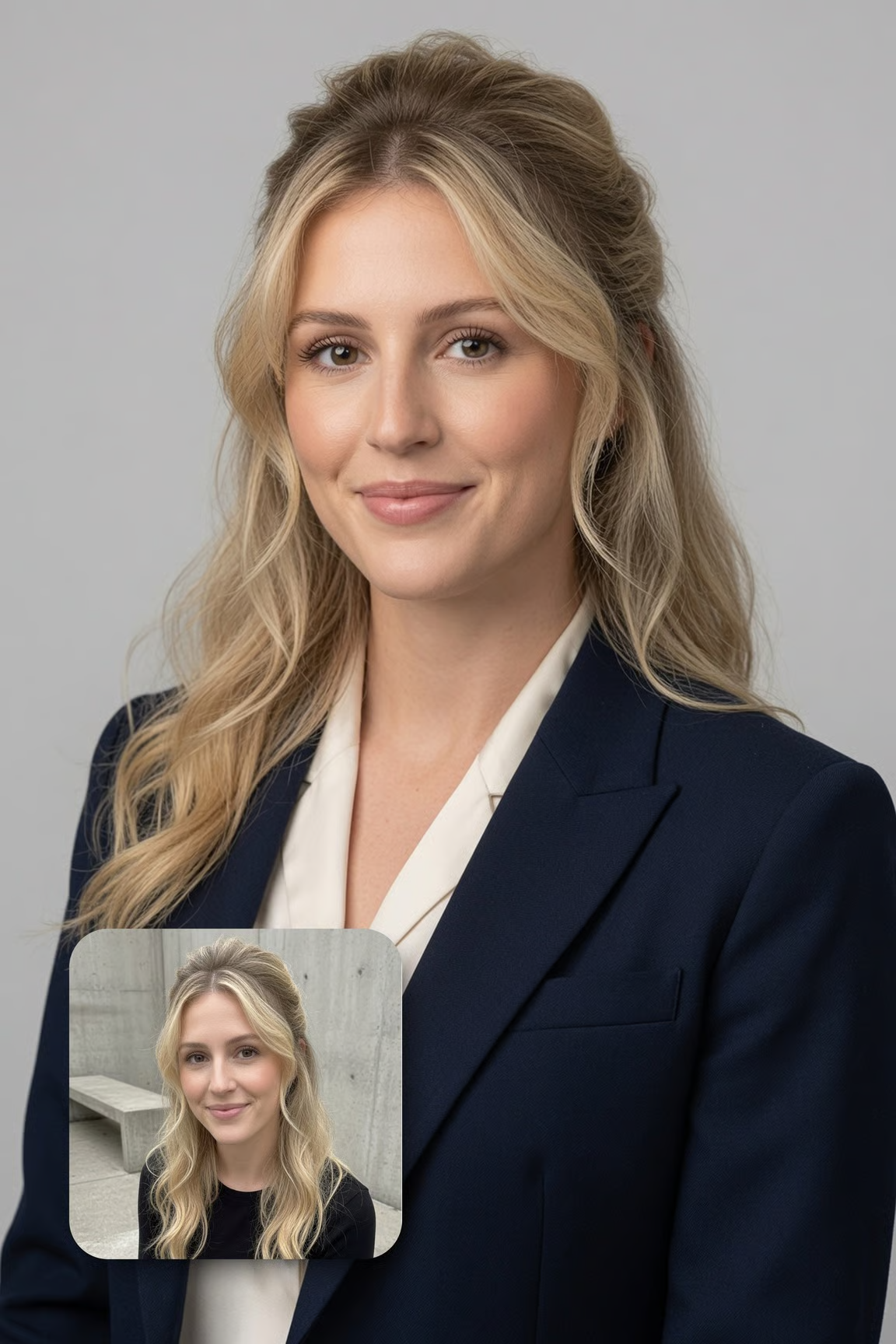
Generate professional portraits, creator avatars, team images, profile banners, and stylized personal-brand visuals while keeping pose, lighting, wardrobe, and background direction explicit.

Design and campaign graphics

Make posters, quote cards, educational diagrams, template covers, infographics, social carousels, thumbnails, and presentation visuals where readable text and layout control matter.

Reference-based visual systems

Use references for character continuity, brand mood, object shape, material finish, set design, or scene composition, then create a family of images that feel connected.

Grok Image 2.0
Showcase

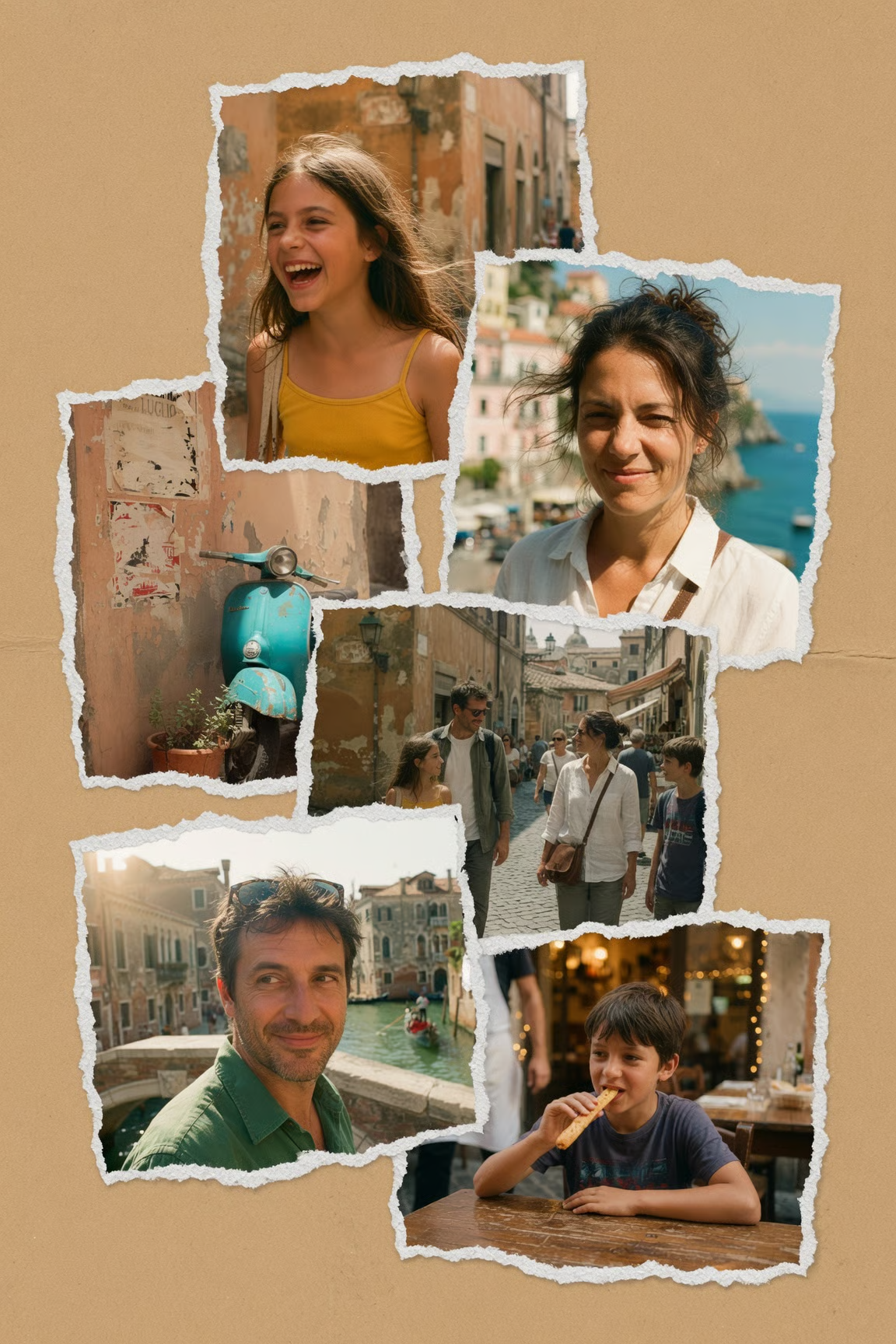
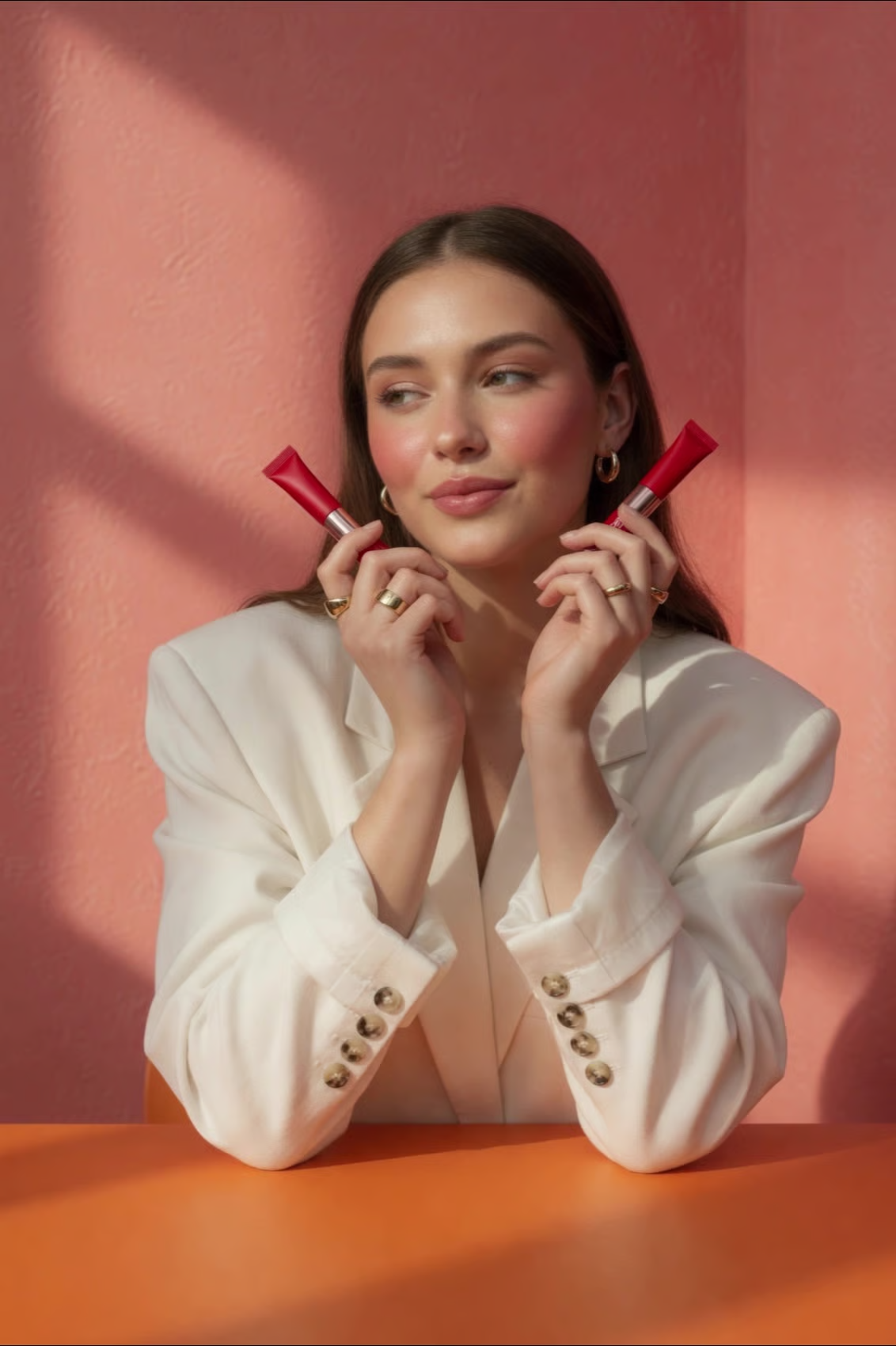
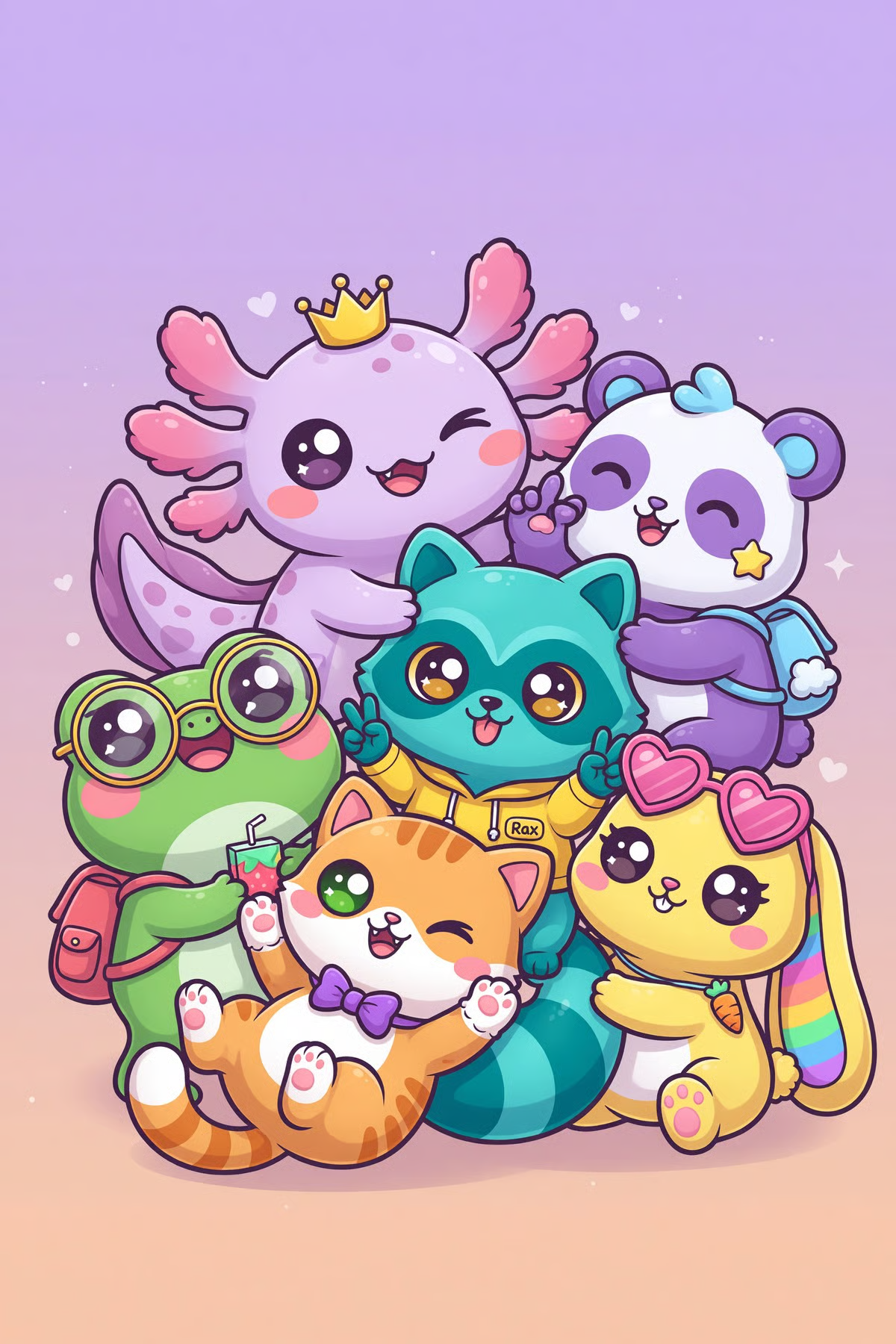
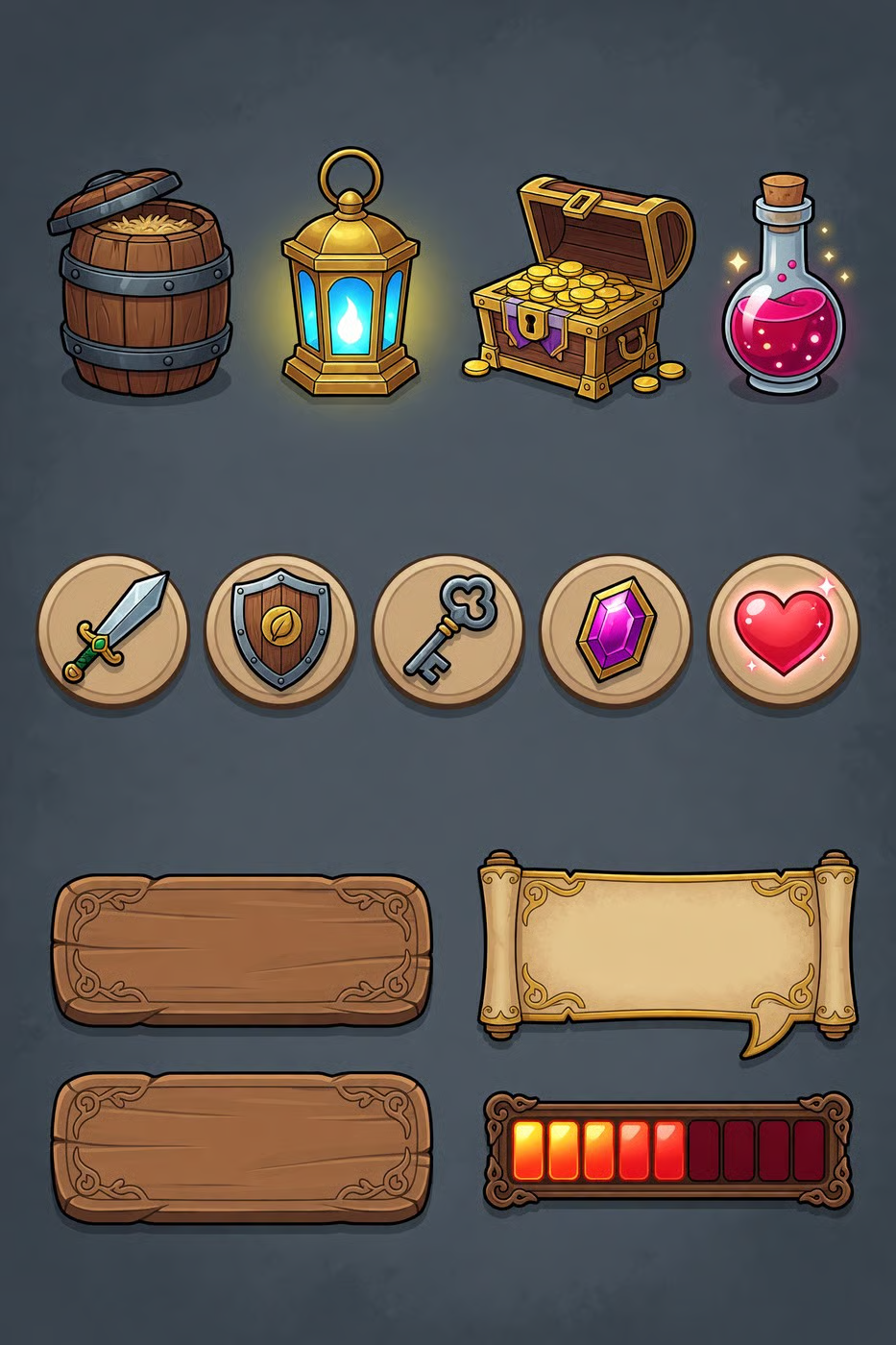
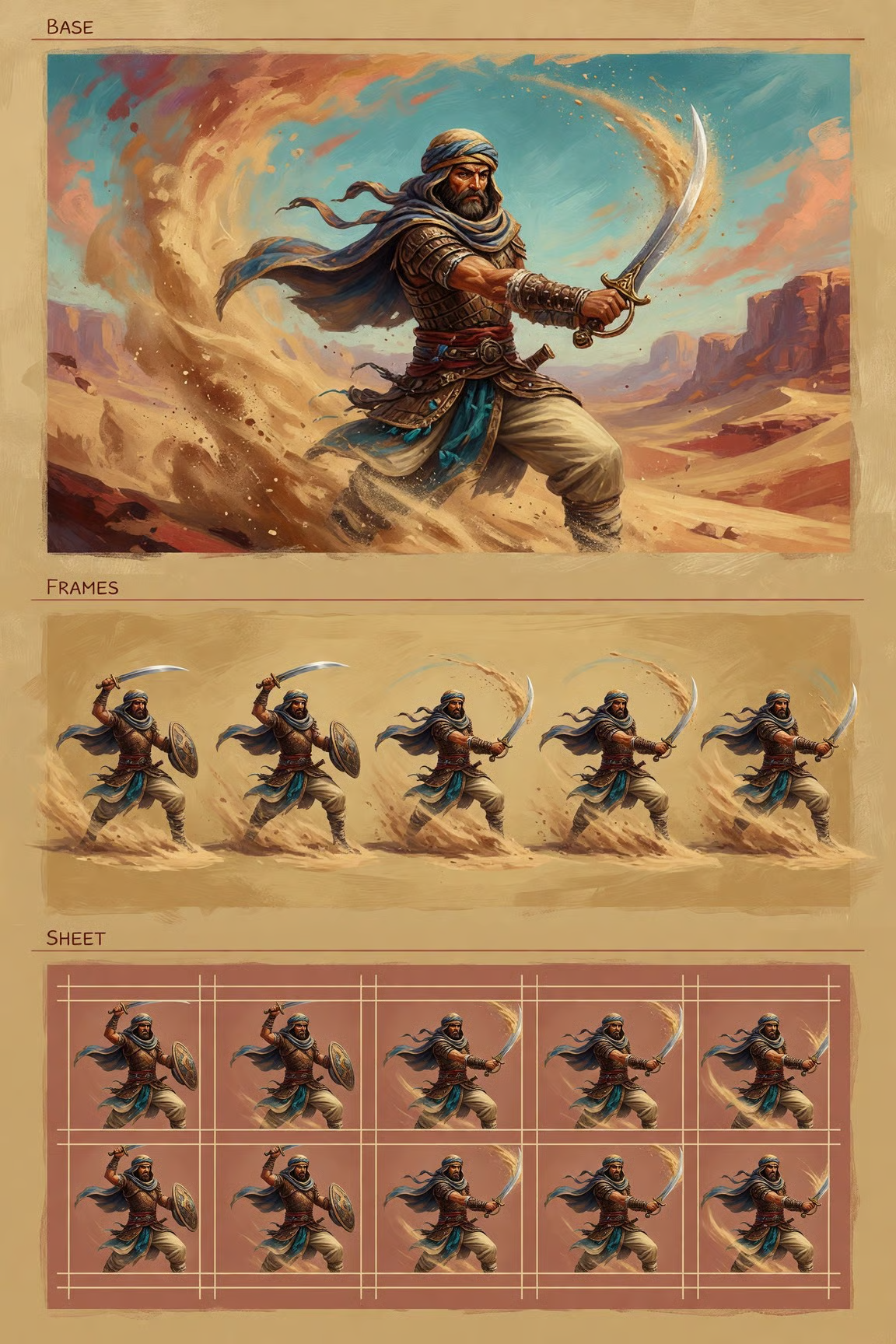
Grok Imagine Image 2.0 poster design example with readable typography and clean layout
Grok Imagine Image 2.0 photorealistic product-style composition with precise visual details
Grok Imagine Image 2.0 infographic-style visual showing structured design and text placement
Grok Imagine Image 2.0 creative template cover example for marketing and social content
Grok Imagine Image 2.0 editorial image example with controlled lighting and composition
Grok Imagine Image 2.0 brand-ready visual asset with polished typography and scene detail
Grok Imagine Image 2.0 image editing showcase with refined background and subject presentation
Grok Imagine Image 2.0 campaign graphic example for ads, posters, and landing page visuals
Grok Imagine Image 2.0 reference-guided image example with consistent style and composition
Grok Imagine Image 2.0 template-ready graphic with clear design hierarchy and visual polish
Grok Imagine Image 2.0 photorealistic still image example for production-ready creative work
Grok Imagine Image 2.0 showcase image with precise prompt following and clean detail rendering

Prompt Blueprint
for Better Results

Competitor image-generator guides usually recommend clear subject, style, lighting, and composition details. For Grok Image 2.0, add the production constraint too: the exact surface where the image will appear and the text or layout elements that must stay readable.

01

Subject

Name the main object, person, product, scene, or layout you want the model to prioritize.

02

Composition

Specify crop, angle, aspect ratio, focal point, negative space, background, and where text should sit.

03

Design Details

Include typography style, colors, materials, lighting, camera language, labels, and brand mood.

04

Output Use

Say whether the result is for an ad, ecommerce listing, thumbnail, poster, infographic, landing page, or social post.

Grok Image 2.0
Production Workflows

Social posts with readable headlines and brand styling

Product images with cleaner backgrounds and stronger composition

Posters, infographics, menus, and mockups with text

Character, world, and campaign assets using visual references

Expanded crops for hero images, banners, and ad placements

Template-driven covers and thumbnails for repeated publishing

How It Compares
to Other AI Image Tools

Adobe Firefly emphasizes beginner-friendly text-to-image, generative fill, background expansion, replace background, crop, resize, and commercial creative workflows.

ChatGPT and GPT Image pages are often compared for readable text, general-purpose image editing, and consistent multi-image visual direction.

Midjourney remains a common choice for stylized art direction, but many workflows still need separate tools for precise edits, product cleanup, and layout-safe variants.

Ideogram is frequently discussed around text rendering, making typography and poster-style layout a visible benchmark for newer image models.

The practical takeaway is simple: choose the model that matches the job. Grok Image 2.0 is strongest when the brief needs photorealistic stills, cleaner text, localized edits, reference-guided consistency, and reusable marketing or ecommerce variants inside a fast creative loop.

Grok Image 2.0
How to Use

1

1Describe the asset you need

Start with the object, layout, style, text requirements, aspect ratio, and intended use. Clear production constraints help Image 2.0 produce more usable results.

2

2Generate or upload a reference

Create from text, or upload an existing image when you want a targeted edit, a cleaner version, or a variation that keeps the original structure.

3

3Refine for the surface

Adjust text, background, composition, format, and resolution until the image is ready for social, ecommerce, ads, presentations, or product mockups.

Grok Image 2.0
FAQ

Grok Image 2.0, also searched as Grok Imagine Image 2.0, is xAI's newer image generation and editing model for higher-quality still images, stronger instruction following, typography, templates, and precise edits.

Ready to Create With Image 2.0?

Generate still images, edit references, and refine visual assets for the channels where they need to perform.